


SumatraPDF Download for Windows
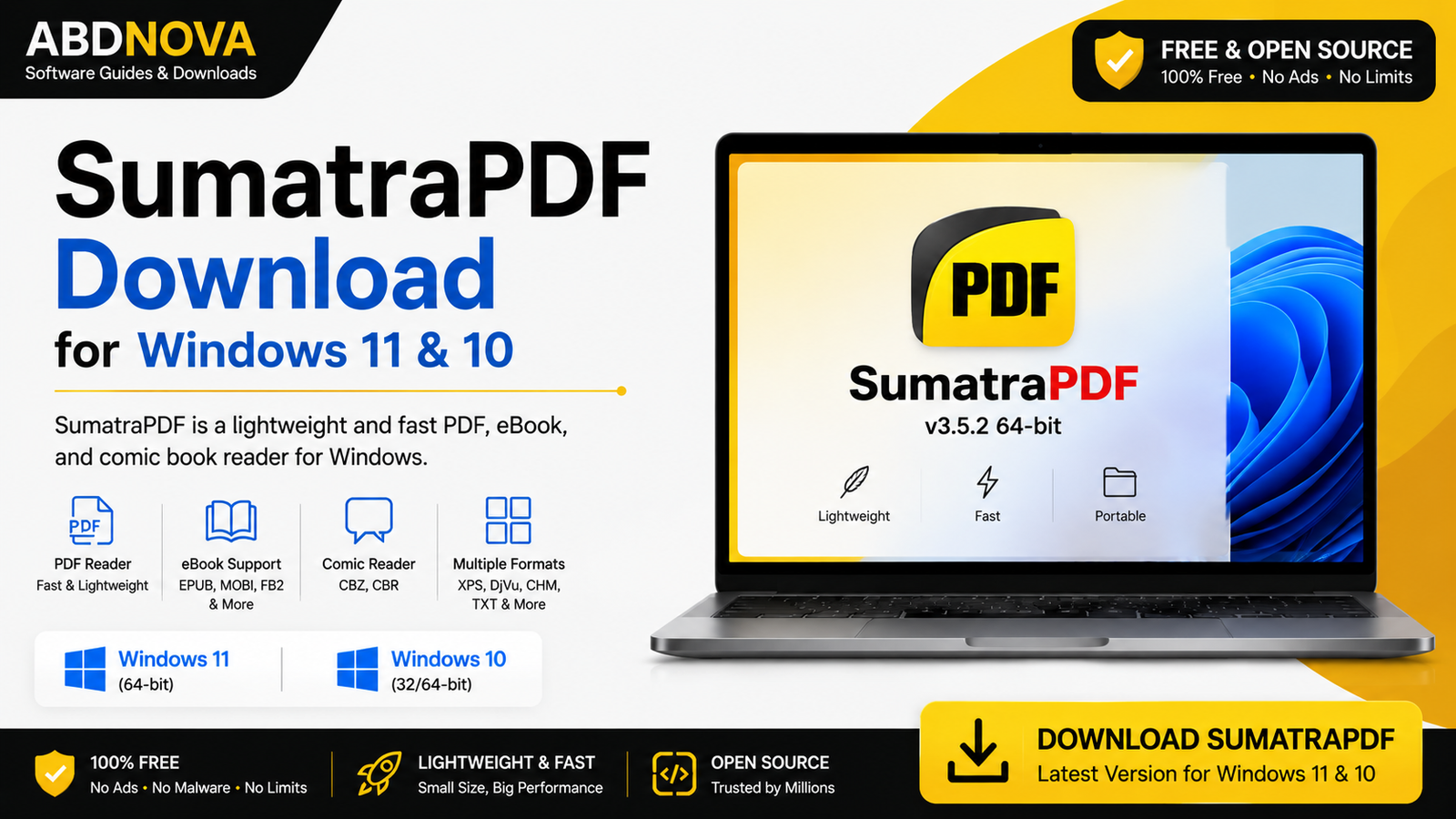
SumatraPDF Download for Windows gives Windows 11 and Windows 10 users a fast, lightweight, free and open-source reader for PDF files, eBooks, comic books, XPS, DjVu, CHM and several other document formats. It is a practical choice if you mainly want quick document viewing without a large PDF software suite.
SumatraPDF Download for Windows – Overview
| Software | SumatraPDF |
| Platform | Windows |
| Compatible OS | Windows 11 & Windows 10 |
| Category | PDF & Document Reader |
| License | Free & Open Source |
| Portable Version | Available |
| Builds | 64-bit, ARM64 & 32-bit |
| Best For | Fast PDF and document viewing |
What Is SumatraPDF?
SumatraPDF is a multi-format document viewer developed for Windows. It focuses on fast startup, a simple interface, easy navigation and low resource usage rather than providing a large collection of PDF creation and editing tools.
Besides PDF, it supports document and eBook formats such as EPUB, MOBI, FictionBook, comic-book archives, DjVu, CHM, XPS, SVG and numerous image formats.
SumatraPDF Main Interface, PDF Reader and Features

Fast and Lightweight PDF Reader
SumatraPDF is designed primarily for reading. Its minimal interface provides quick access to common functions such as Open, Print, Search, Zoom, page navigation, bookmarks, tabs and document properties.
PDF Reading and Navigation
You can move between pages, zoom in or out, search document text, use bookmarks, open hyperlinks, switch display modes, open multiple documents and print supported documents.
Search Inside Documents
Text search can help locate words and phrases in long manuals, eBooks, reports, research files and technical documentation.
Tabs and Multiple Documents
Multiple documents can be opened in tabs, making it easier to switch between or compare several files without opening a separate application window for each document.
SumatraPDF PDF, eBook, Comic & Portable Reader
Supported Document Formats
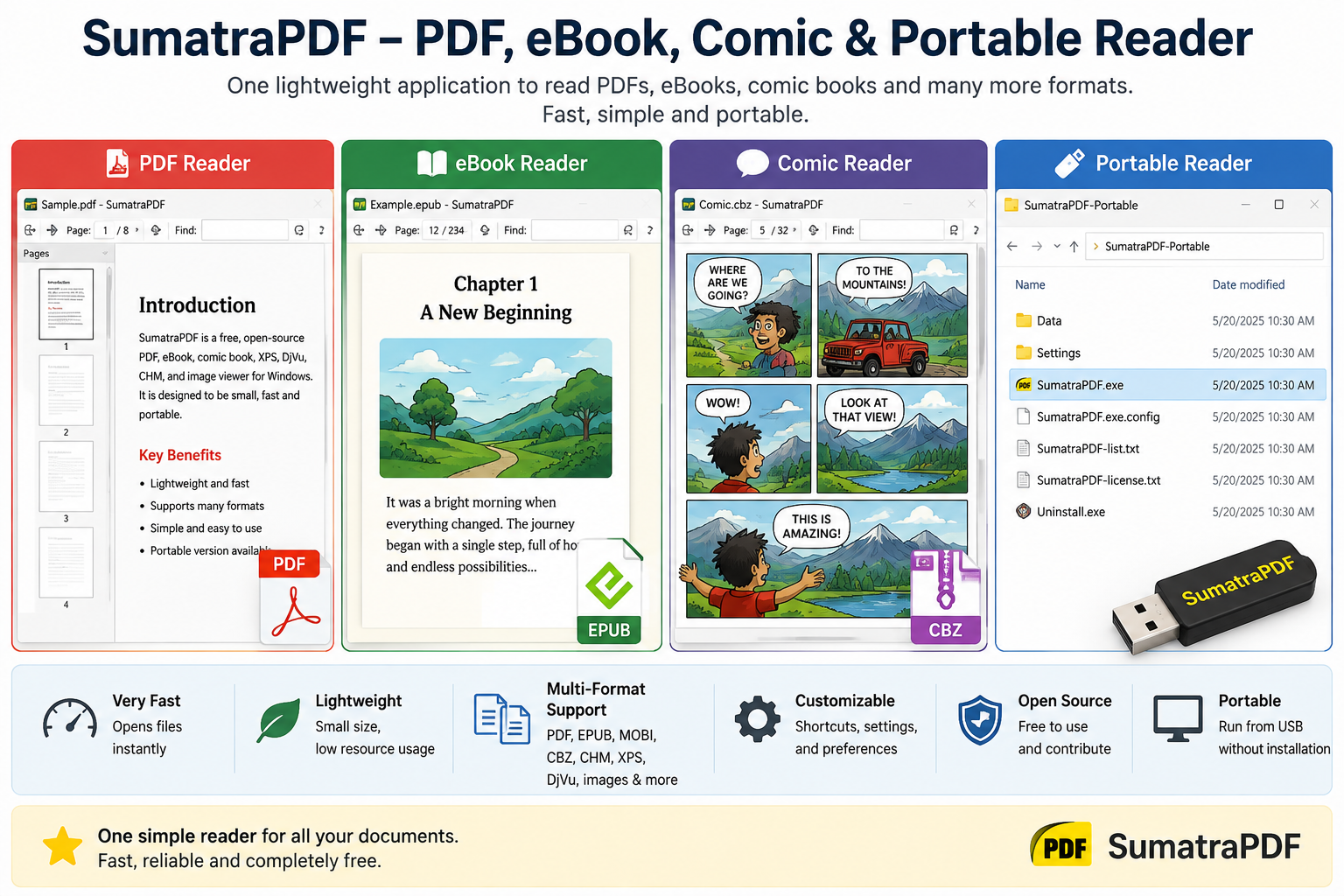
SumatraPDF supports PDF plus many other formats, including EPUB, MOBI, FB2, CBZ, CBR, CBT, CB7, DjVu, CHM, XPS, SVG, TXT and Markdown. It can also display numerous image formats.
eBook Reader
SumatraPDF can read supported eBook formats such as unencrypted EPUB and MOBI. It is useful when you want PDF and basic eBook reading in the same lightweight application.
Comic Book Reader
Supported comic-book archive formats include CBZ, CBR, CBT and CB7, making SumatraPDF useful as a lightweight PDF and comic reader.
Portable Version
The portable version can run without a normal Windows installation. It is useful when you want to keep the application on a USB drive, use a custom folder, or avoid installing the reader on a computer.
SumatraPDF Installer vs Portable Version
| Feature | Installer | Portable |
|---|---|---|
| Normal Windows Installation | Yes | No |
| Start Menu Integration | Yes | No |
| File Associations | Supported | Not automatically registered |
| Convenient for USB Drive | Less | Yes |
| Best for Most Users | Yes | For specific portable needs |
For normal everyday use, the installer is usually the simpler option. Choose Portable when you specifically need a no-install version.
How to Install SumatraPDF on Windows

- Visit the official SumatraPDF download page.
- Choose the appropriate build for your computer. For most modern Intel or AMD Windows PCs, the 64-bit installer is normally appropriate.
- Download and open the installer.
- If Windows displays a security prompt, verify that the file came from the official SumatraPDF source.
- Follow the installation options shown on screen.
- Complete installation and launch SumatraPDF.
- Click Open and select a PDF or another supported document.
Set SumatraPDF as the Default PDF Reader
If you want PDFs to open automatically in SumatraPDF, use Windows default-app settings or the available file-association options after installing the application. The installed version is more suitable than the portable version when you want normal Windows file associations.
SumatraPDF Annotations and Dark Mode
SumatraPDF is primarily a reader rather than a full professional PDF editor, but current versions include support for working with PDF annotations. Modern releases also include theme customization and dark-mode functionality.
If your main requirement is advanced PDF editing, conversion, electronic signatures or complex document workflows, a dedicated PDF application may be more suitable.
SumatraPDF vs Adobe Acrobat Reader
Both applications can read PDF documents, but they target different needs. SumatraPDF emphasizes speed, simplicity, eBook and comic support, portability and open-source availability. Adobe Acrobat Reader provides a broader feature set for users who work extensively with Adobe PDF services, forms and document collaboration.
Related Guide: See our Adobe Acrobat Reader Download for Windows guide if you need a more feature-rich PDF workflow.
SumatraPDF System Requirements
- Operating System: Windows 11 / Windows 10 and other supported Windows versions
- Processor: Compatible Intel, AMD or supported ARM-based Windows processor
- RAM: Most PCs capable of running a supported Windows version should handle normal document viewing
- Storage: Minimal storage required for the application, plus space for your documents
- Internet: Required for downloading and updates
Common SumatraPDF Problems and Solutions
SumatraPDF Won’t Open
Restart the application and Windows. If the problem continues, download the latest stable installer and reinstall SumatraPDF from the official source. Also check whether security software has blocked required files.
PDF Opens in Another Program
SumatraPDF may not be your default PDF viewer. Open Windows default-app settings and associate PDF files with SumatraPDF.
Portable Version Isn’t the Default PDF Reader
This is expected because the portable executable does not automatically register normal Windows file associations. Use the installed version if you want easier default-app integration.
PDF Opens an Installer Instead of the Reader
Windows file associations may accidentally point to an installer instead of the installed SumatraPDF executable. Reinstall the official build and check the default PDF viewer setting.
PDF Is Slow to Open
Very large or complex documents may require additional processing. Update SumatraPDF, close unnecessary applications, try the document from a local drive, and test another PDF to determine whether the issue is file-specific.
Related PDF and Document Guides
For a feature-rich PDF reader from Adobe, see our Adobe Acrobat Reader Download for Windows guide.
For another lightweight PDF-reading option, see our Foxit PDF Reader Download for Windows guide.
Is SumatraPDF Free?
Yes. SumatraPDF is free and open-source software. You do not need a subscription simply to use it as a document reader.
Is SumatraPDF Safe?
SumatraPDF is a long-running open-source project. Download it from the official website, avoid modified installers and suspicious third-party download buttons, keep Windows security enabled, and use current stable releases.
SumatraPDF FAQ
Is SumatraPDF free?
Yes. SumatraPDF is free and open-source software.
Does SumatraPDF work on Windows 11?
Yes. Windows 11 and Windows 10 are officially supported by current SumatraPDF builds.
Is SumatraPDF only a PDF reader?
No. It also supports EPUB, MOBI, CBZ, CBR, DjVu, CHM, XPS and several other document and image formats.
Does SumatraPDF have a portable version?
Yes. Portable builds are available for users who do not want a traditional installation.
Can SumatraPDF read eBooks?
Yes. It supports several eBook formats, including unencrypted EPUB and MOBI.
Can SumatraPDF open comic books?
Yes. Supported comic-book formats include CBZ, CBR, CBT and CB7.
Can SumatraPDF edit PDF files?
SumatraPDF includes annotation functionality, but it is primarily a document reader rather than a full PDF editor.
Which SumatraPDF version should I download?
For most modern Intel or AMD Windows computers, the 64-bit installer is normally appropriate. ARM-based Windows PCs can use the ARM64 build, while portable builds are available if you do not want a traditional installation.
Final Thoughts
SumatraPDF is an excellent choice when you want fast, lightweight PDF and document viewing without the complexity of a large PDF suite. Its support for eBooks, comic books, portable use, tabs, search and multiple document formats makes it useful beyond basic PDF reading.
If you are looking for SumatraPDF Download for Windows, use the official SumatraPDF source and choose the build that matches your Windows PC.
Ready to download SumatraPDF?
Windows 11 & 10 • Free & Open Source • PDF & Document Reader
ABDNOVA does not host the SumatraPDF installer. The button opens the official SumatraPDF download page.


