
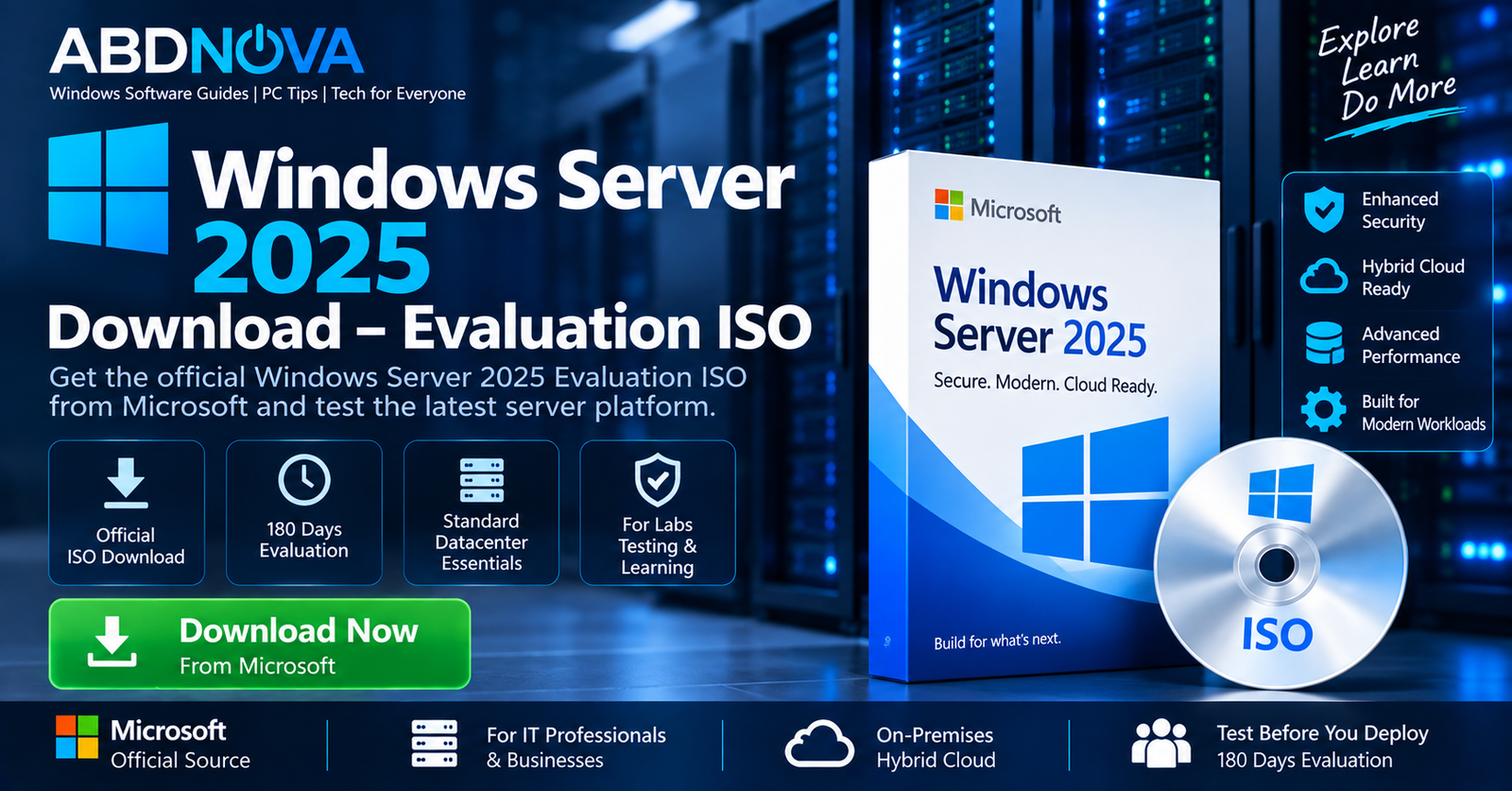

Windows Server 2025 Download – Evaluation ISO
Windows Server 2025 Download provides Microsoft’s official evaluation version of its current server operating system for businesses, datacenters, virtualization, application hosting, storage, networking, and hybrid-cloud environments.
Microsoft provides the Windows Server 2025 Evaluation as a 64-bit ISO, a 64-bit VHD, or through Microsoft Azure. The evaluation period lasts 180 days, making it useful for IT professionals, administrators, developers, students, and anyone building a Windows Server test lab.
What Is Windows Server 2025?
Windows Server 2025 is designed for physical servers, virtual machines, datacenters, enterprise applications, and hybrid environments.
It supports a wide range of server workloads, including:
- Active Directory Domain Services
- DNS and DHCP servers
- File and storage services
- Hyper-V virtualization
- Web and application hosting
- Windows containers
- Failover clustering
- Remote server management
- Hybrid Azure environments
Microsoft also highlights improvements across security, networking, storage, hybrid-cloud integration, scalability, containers, and application performance.
Windows Server 2025 Evaluation ISO Details
| Detail | Information |
|---|---|
| Developer | Microsoft |
| Product | Windows Server 2025 |
| Evaluation Period | 180 days |
| ISO Architecture | 64-bit |
| ISO Languages | English, Chinese (Simplified), French, German, Italian, Japanese, Russian, Spanish |
| Other Evaluation Option | 64-bit VHD |
| Cloud Option | Microsoft Azure |
| Server Core | Available |
| Desktop Experience | Available |
| Official Source | Microsoft Evaluation Center |
Windows Server 2025 Editions
Windows Server 2025 Standard
Standard is intended primarily for physical or minimally virtualized environments. It includes major Windows Server roles and features such as Active Directory, DNS, DHCP, file services, Hyper-V, and other server technologies.
Windows Server 2025 Datacenter
Datacenter is designed for highly virtualized and software-defined datacenter environments. It provides broader virtualization rights and advanced datacenter capabilities compared with Standard.
Windows Server 2025 Essentials
Essentials is positioned as a cloud-connected first server for small businesses with up to 25 users and 50 devices. According to the source material, Windows Server 2025 Essentials is available through OEMs only.
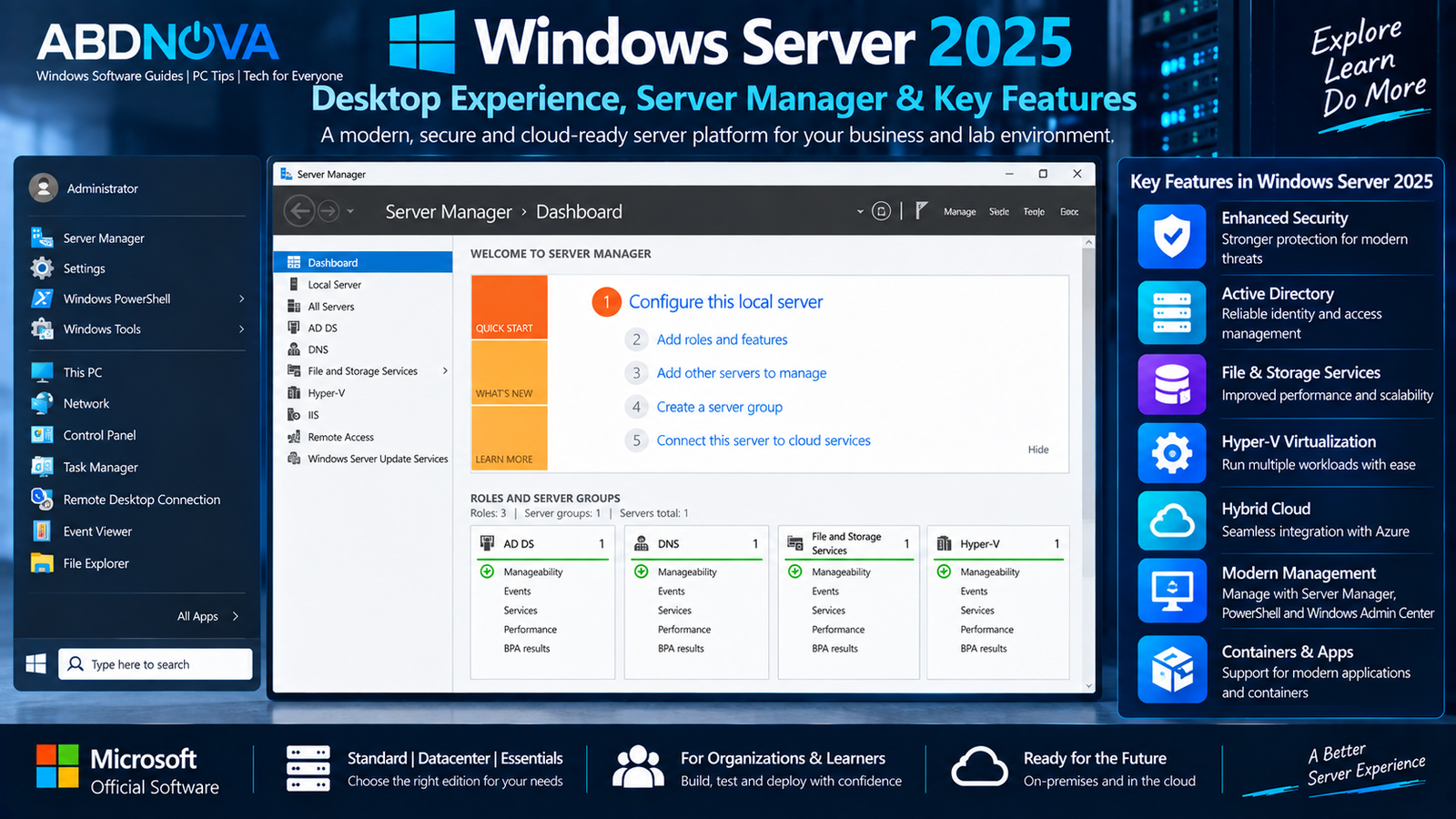
Windows Server 2025 Desktop Experience, Server Manager & Key Features
Server Core vs Desktop Experience
Windows Server can be deployed using different installation experiences depending on how you want to manage the server.
| Installation | Best Suited For |
|---|---|
| Server Core | Smaller installation and remote or command-line administration |
| Desktop Experience | Full graphical interface and traditional Windows-based server administration |
Server Core does not include the traditional full desktop interface and is commonly administered remotely with management tools and PowerShell.
Server with Desktop Experience provides the full graphical interface. This can make initial configuration easier when learning Windows Server or building a first test environment.
Advanced Security
Windows Server 2025 includes Microsoft’s current server security technologies and improvements intended to strengthen infrastructure protection.
Hyper-V Virtualization
Hyper-V allows administrators to host virtual machines directly on Windows Server, making it useful for server consolidation, test environments, and virtualized infrastructure.
Active Directory
Active Directory Domain Services remains available for centralized user, computer, authentication, and domain management.
File and Storage Services
Windows Server provides enterprise file and storage capabilities, including improvements to technologies such as SMB.
Windows Containers
Windows Server 2025 includes improvements to Windows containers, including application compatibility and networking enhancements.
Hybrid Cloud
Microsoft positions Windows Server 2025 as a hybrid platform capable of integrating on-premises infrastructure with Azure services.
Windows Server 2025 System Requirements
Microsoft specifies minimum hardware requirements for Windows Server 2025, but the resources you actually need depend heavily on the installed server roles, workloads, applications, and configuration.
Before installation, verify Microsoft’s current requirements for:
- Processor
- RAM
- Storage
- Network adapters
- UEFI and firmware
- Security-related hardware
- Additional requirements for specific server roles
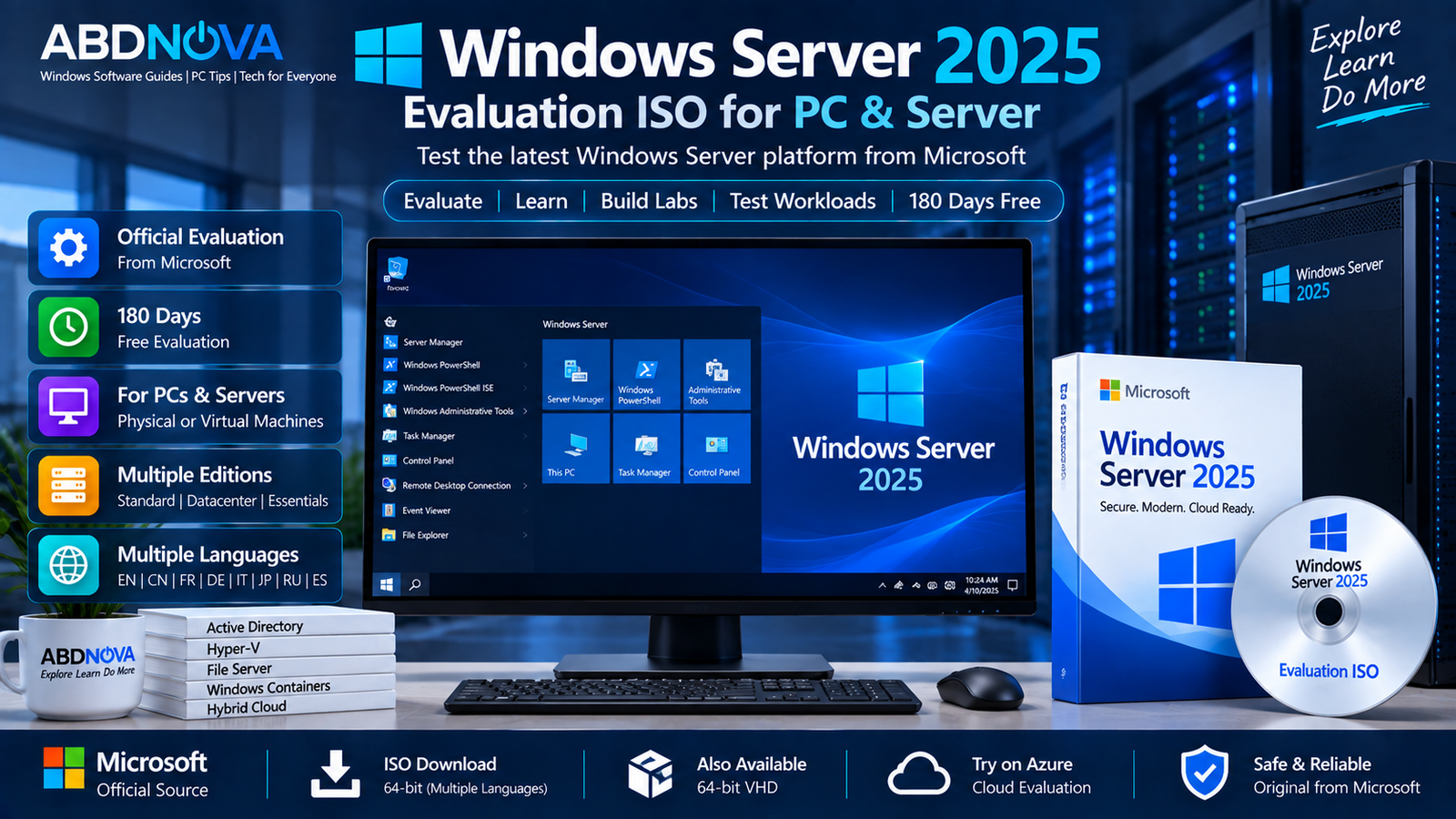
Windows Server 2025 Evaluation ISO for PC & Server
The official Evaluation ISO can be used on compatible physical server hardware or inside a virtual machine for testing, training, development, and lab environments.
If you are looking for Microsoft’s desktop operating system instead of the server platform, see our Windows 11 ISO Download guide.
How to Download Windows Server 2025 Evaluation ISO
Microsoft provides the Windows Server 2025 Evaluation directly through the Microsoft Evaluation Center.
- Open the official Windows Server 2025 Evaluation Center page.
- Select the ISO download – 64-bit edition.
- Choose the required language.
- Start the ISO download.
- Save the ISO to a drive with sufficient free storage.
The evaluation ISO is offered in multiple languages, including English, Chinese (Simplified), French, German, Italian, Japanese, Russian, and Spanish.
Microsoft also provides a 64-bit VHD evaluation option in English and an Azure option for users who prefer a cloud-based test environment.
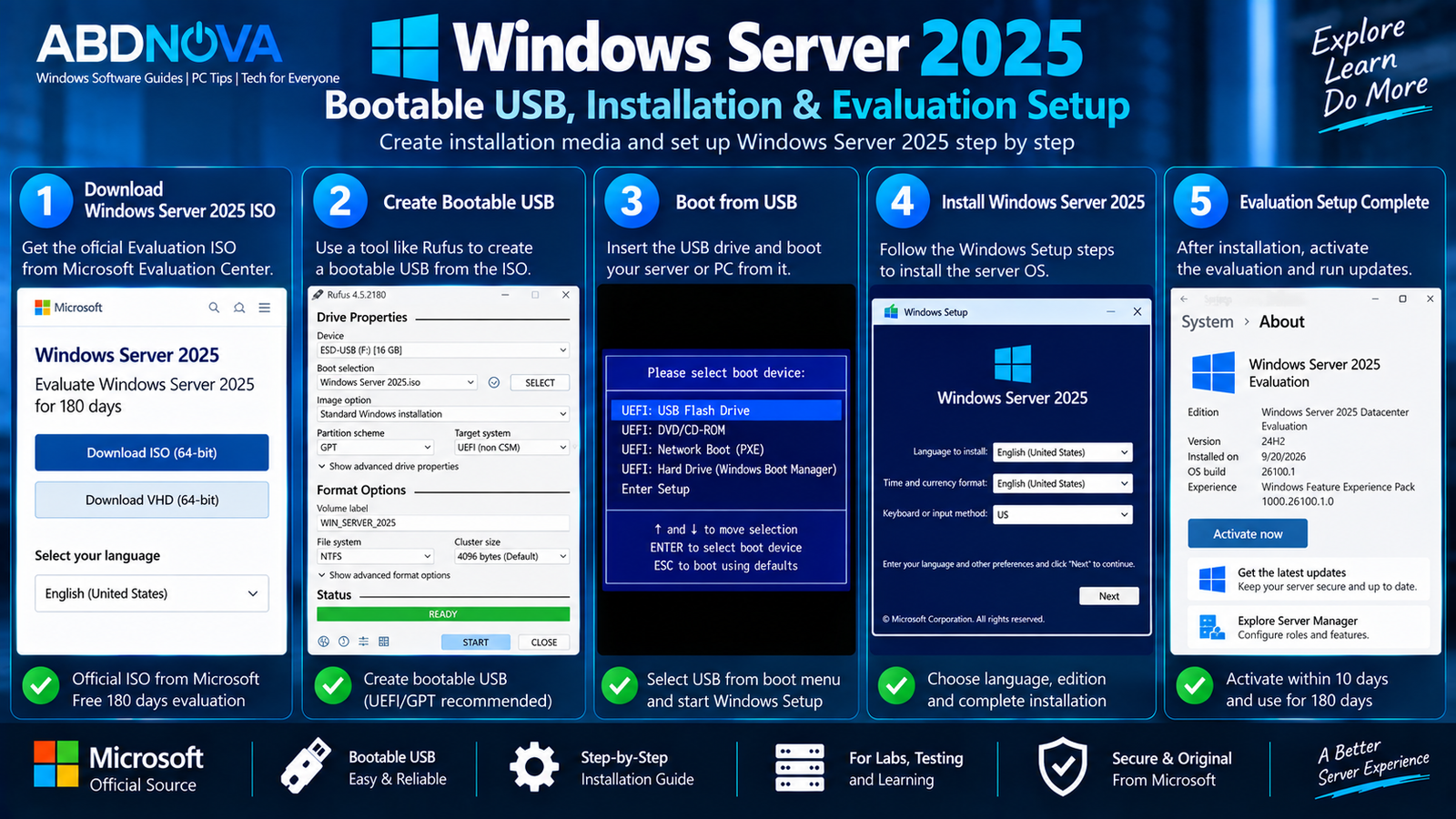
Windows Server 2025 Bootable USB, Installation & Evaluation Setup
Create a Windows Server 2025 Bootable USB
After downloading the official ISO, you can prepare bootable installation media for a compatible physical server or PC.
You will need:
- Windows Server 2025 ISO
- A suitable USB flash drive
- A bootable USB creation utility
- A compatible server or PC
After creating the USB, restart the destination machine, open its boot menu or UEFI settings, and boot from the Windows Server installation media.
Install Windows Server 2025
- Boot from the Windows Server 2025 installation media.
- Select the language and regional settings.
- Start Windows Setup.
- Select the appropriate Windows Server edition and installation option.
- Accept the license terms.
- Select the destination disk.
- Begin installation.
- Complete the initial administrator configuration.
- Connect the server to the network.
- Run Windows Update.
Windows Server 2025 in a Virtual Machine
The Evaluation ISO is also useful when you want to test Windows Server without dedicating an entire physical machine.
Create a virtual machine, attach the Windows Server 2025 ISO as its virtual DVD, and install Windows Server inside the VM.
A virtual lab can be used to learn or test:
- Active Directory
- Group Policy
- DNS
- DHCP
- File servers
- PowerShell
- Server administration
- Application testing
- Network labs
Allocate sufficient processor, memory, and storage resources for the server roles you intend to test.
Windows Server 2025 Evaluation Period
The official Microsoft evaluation lasts 180 days.
Microsoft also states that the evaluation installation must be activated over the internet within the first 10 days to avoid automatic shutdown.
Evaluation versions may be convertible to retail where the applicable edition, licensing, and conversion requirements are satisfied.
Windows Server 2025 Standard vs Datacenter
| Feature / Use | Standard | Datacenter |
|---|---|---|
| General Server Workloads | Yes | Yes |
| Active Directory | Yes | Yes |
| DNS / DHCP | Yes | Yes |
| File & Storage Services | Yes | Yes |
| Hyper-V | Yes | Yes |
| Low Virtualization Density | Suitable | Suitable |
| Highly Virtualized Datacenter | Limited compared with Datacenter | Designed for this use |
| Software-Defined Datacenter | Limited compared with Datacenter | Designed for this use |
Standard is positioned for low-density or non-virtualized environments, while Datacenter is designed for highly virtualized and software-defined datacenter environments.
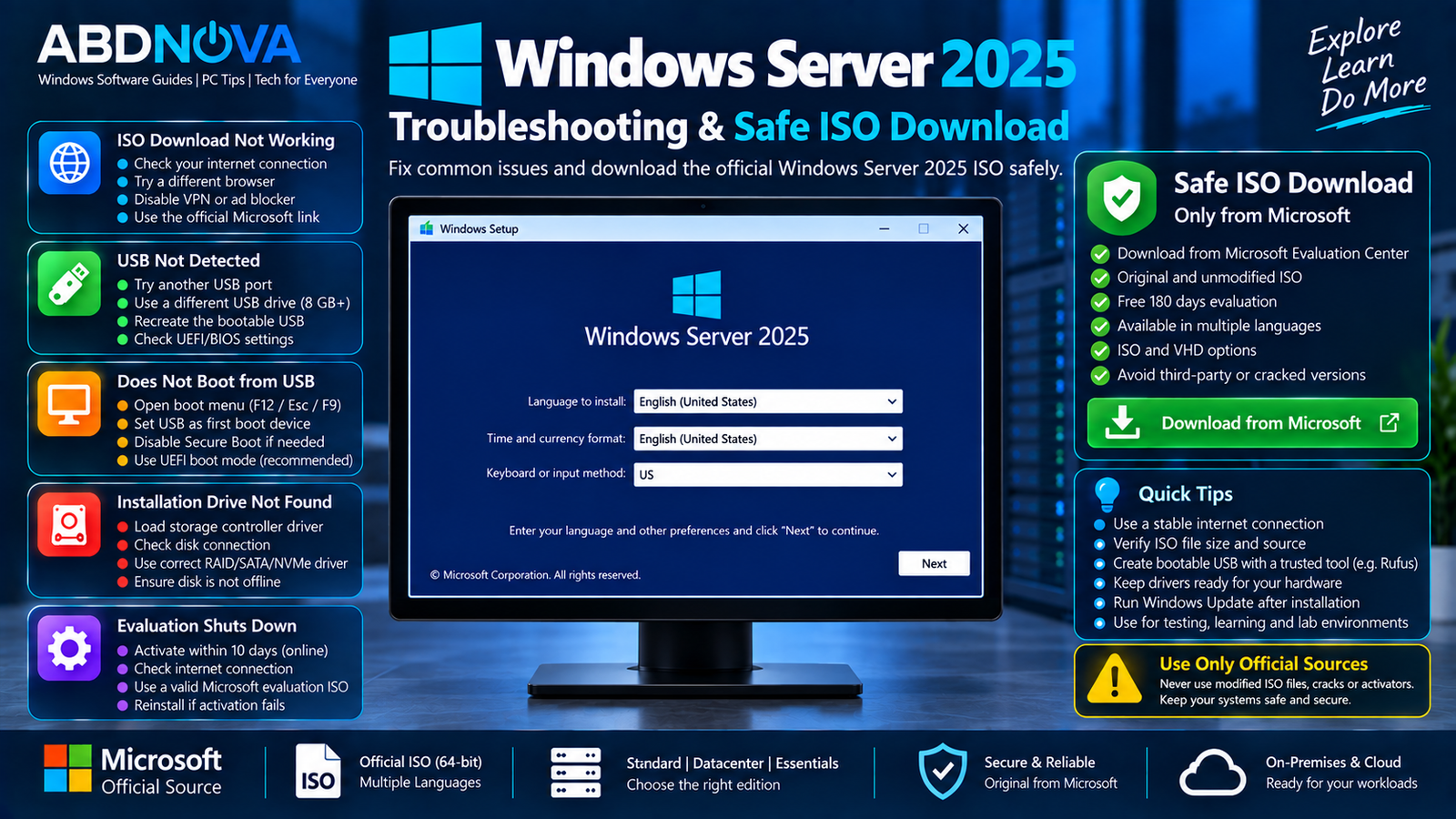
Windows Server 2025 Troubleshooting & Safe ISO Download
ISO Download Does Not Start
Check your internet connection and try the Microsoft Evaluation Center again. Also verify that the browser is not blocking the download.
Server Does Not Boot from USB
Confirm that the USB was created correctly as bootable installation media. Open the server’s UEFI/BIOS boot menu and manually select the USB device.
Installation Drive Is Missing
Some server storage controllers require additional drivers before Windows Setup can detect the destination disks.
Download the correct storage or controller driver from the server or hardware manufacturer’s official support site.
Network Adapter Is Not Detected
Download and install the appropriate Windows Server-compatible network driver from the hardware manufacturer.
Evaluation Server Shuts Down
Check whether the evaluation installation has been activated. Microsoft states that Windows Server evaluation versions must be activated online within the first 10 days to prevent automatic shutdown.
Safe Windows Server 2025 ISO Download
For an evaluation installation, download Windows Server 2025 directly from Microsoft’s official Evaluation Center.
Avoid unofficial ISO files, modified server images, pre-activated editions, cracks, activators, and unknown third-party download websites.
- Use the official Microsoft Evaluation Center.
- Choose the correct 64-bit ISO.
- Avoid pre-activated or modified server images.
- Activate the evaluation within Microsoft’s required period.
- Run Windows Update after installation.
- Use properly licensed media for long-term production deployment.
Frequently Asked Questions
Is Windows Server 2025 Evaluation free?
Yes. Microsoft provides Windows Server 2025 as a free evaluation for 180 days.
Is Windows Server 2025 ISO 64-bit?
Yes. Microsoft’s Evaluation Center lists Windows Server 2025 as a 64-bit ISO download.
How long does Windows Server 2025 Evaluation last?
The evaluation period lasts 180 days.
Do I need to activate the evaluation?
Yes. Microsoft states that evaluation versions must be activated over the internet within the first 10 days to avoid automatic shutdown.
Can I download a Windows Server 2025 VHD?
Yes. Microsoft provides a 64-bit VHD evaluation in English in addition to the ISO option.
Does Windows Server 2025 have a graphical interface?
Yes. Server with Desktop Experience provides a complete installation with a full GUI. Server Core is available for deployments where a smaller, remotely managed installation is preferred.
Can I install Windows Server 2025 in a virtual machine?
Yes. The Evaluation ISO is suitable for creating Windows Server test and lab environments inside compatible virtualization platforms.
Can the evaluation be converted to a licensed version?
Microsoft states that evaluation versions can be converted to retail after evaluation, subject to the applicable edition, licensing, and conversion requirements.
Final Thoughts
Windows Server 2025 Download provides a legal way to evaluate Microsoft’s server platform for 180 days before committing to a production license.
The Evaluation ISO is suitable for server labs, administrator training, virtualization testing, Active Directory practice, application testing, and infrastructure evaluation. Microsoft provides both Server Core and Desktop Experience options, allowing you to choose the management environment that fits your test deployment.
For the safest installation, use Microsoft’s official 64-bit Evaluation ISO, activate the evaluation within the required period, install current Windows updates, and use properly licensed Windows Server media for long-term production systems.
Download Windows Server 2025 Evaluation ISO
Get the official 64-bit Windows Server 2025 Evaluation directly from Microsoft.


