
Windows 11 Enterprise LTSC 2024 Download – Evaluation ISO
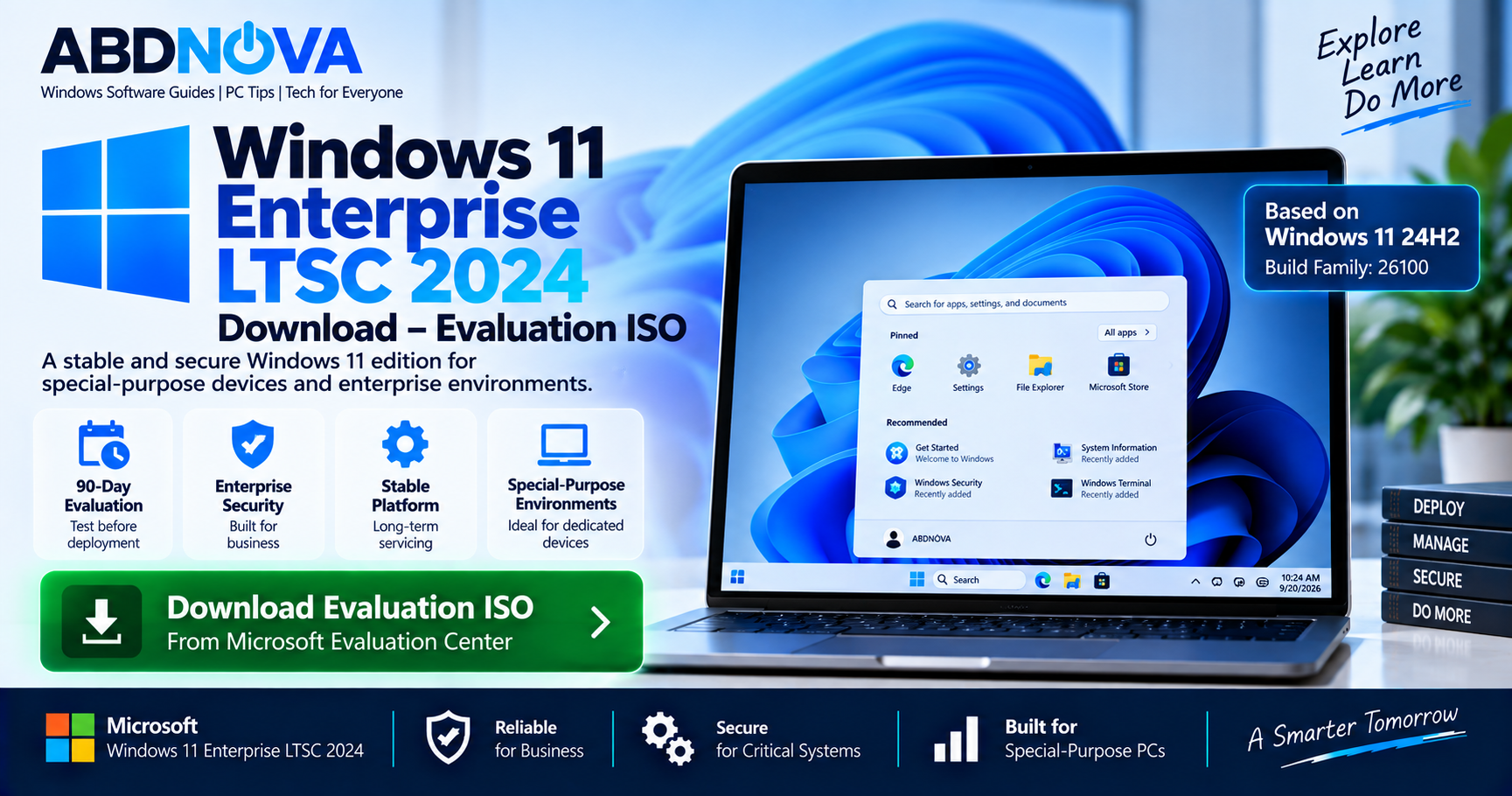
Windows 11 Enterprise LTSC 2024 Download is available from Microsoft for IT professionals and organizations that need to evaluate the Long-Term Servicing Channel edition of Windows 11 Enterprise. It is designed primarily for special-purpose devices and environments where a stable Windows platform and controlled feature set are more important than frequent feature changes.
Windows 11 Enterprise LTSC 2024 became available on October 1, 2024. Its features are similar to Windows 11 version 24H2, it uses the 26100 build family, and it follows Microsoft’s Fixed Lifecycle Policy with a five-year servicing lifecycle.
Microsoft currently provides an official 90-day Windows 11 Enterprise LTSC 2024 Evaluation ISO in x64 format, allowing organizations to test hardware, applications, security, management, and deployment before production use.
Windows 11 Enterprise LTSC 2024 Details
| Detail | Information |
|---|---|
| Developer | Microsoft |
| Product | Windows 11 Enterprise LTSC 2024 |
| Base Version | Windows 11 24H2 |
| Build Family | 26100 |
| Release Date | October 1, 2024 |
| Servicing Channel | Long-Term Servicing Channel |
| Lifecycle | 5 years |
| End of Servicing | October 2029 |
| Evaluation Period | 90 days |
| Evaluation ISO | x64 / 64-bit |
| Intended Use | Special-purpose enterprise devices and environments |
For the standard Windows 11 24H2 release rather than LTSC, see our Windows 11 24H2 Download guide.
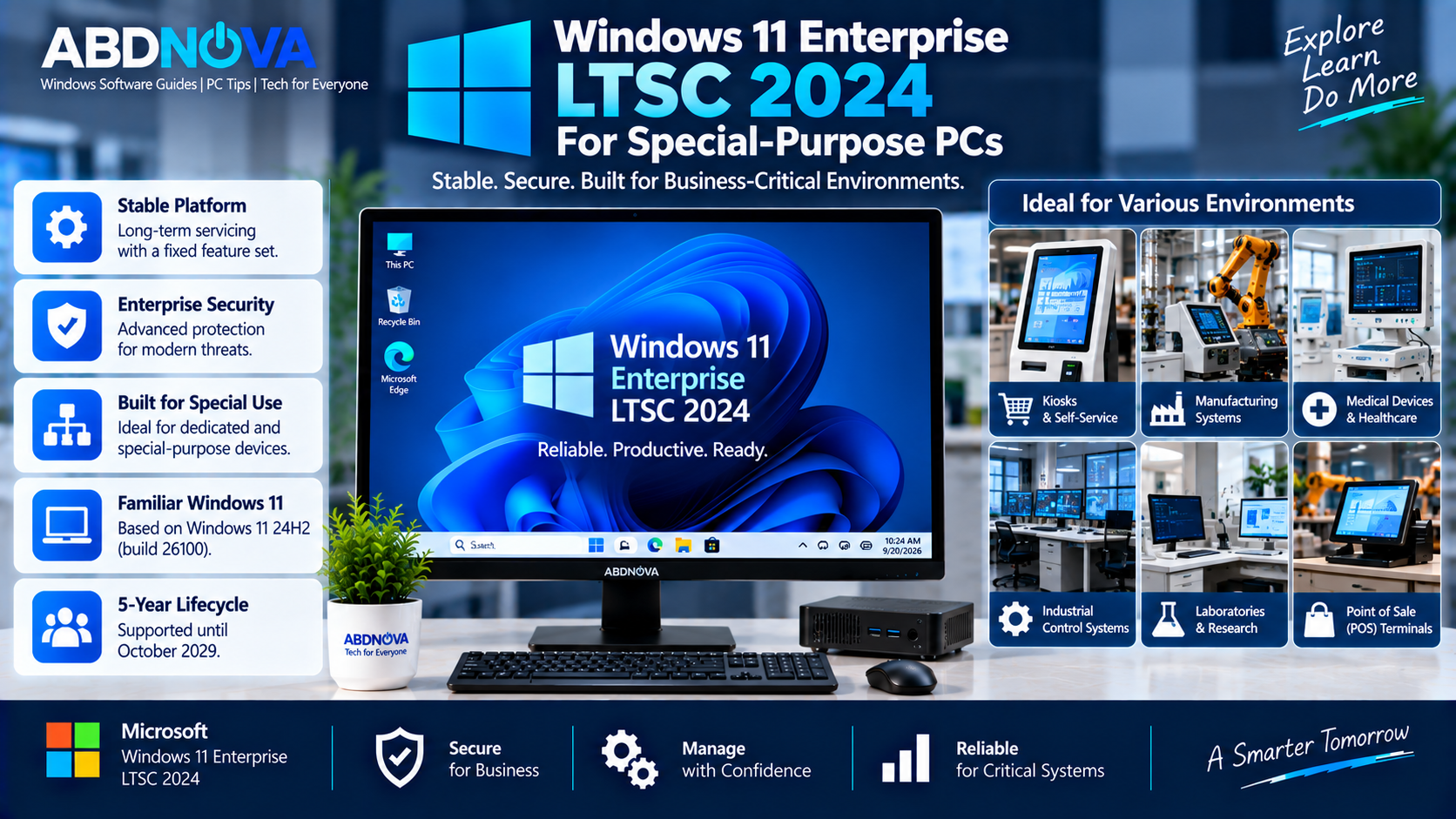
Windows 11 Enterprise LTSC 2024 for Special-Purpose PCs
Windows 11 Enterprise LTSC 2024 provides Windows Enterprise capabilities under the Long-Term Servicing Channel. Instead of following the normal Windows feature-update cycle, LTSC is intended for environments where maintaining a predictable operating-system configuration is particularly important.
Typical deployment scenarios may include:
- Specialized enterprise workstations
- Manufacturing systems
- Laboratory computers
- Medical or diagnostic systems
- Process-control equipment
- Dedicated business terminals
- Other special-purpose devices
Microsoft also warns that support for applications and tools designed around the normal Windows General Availability Channel, including some inbox apps and Microsoft Store-related software, may be limited on LTSC.
5-Year Support Lifecycle
Windows 11 Enterprise LTSC 2024 follows Microsoft’s Fixed Lifecycle Policy and has a five-year lifecycle.
The release became available in October 2024 and remains supported into October 2029. During its supported lifecycle, LTSC receives applicable quality and security servicing while avoiding the normal feature-update cadence used by General Availability Channel releases.
Enterprise LTSC 2024 vs IoT Enterprise LTSC 2024
The two LTSC editions share the Windows 11 24H2 platform and 26100 build family, but their lifecycle and intended deployment differ.
| Feature | Enterprise LTSC 2024 | IoT Enterprise LTSC 2024 |
|---|---|---|
| Base Version | Windows 11 24H2 | Windows 11 24H2 |
| Build Family | 26100 | 26100 |
| LTSC | Yes | Yes |
| Lifecycle | 5 years | 10 years |
| Support | Into October 2029 | Through October 2034 |
| Primary Focus | Special-purpose enterprise environments | Fixed-function specialized IoT devices |
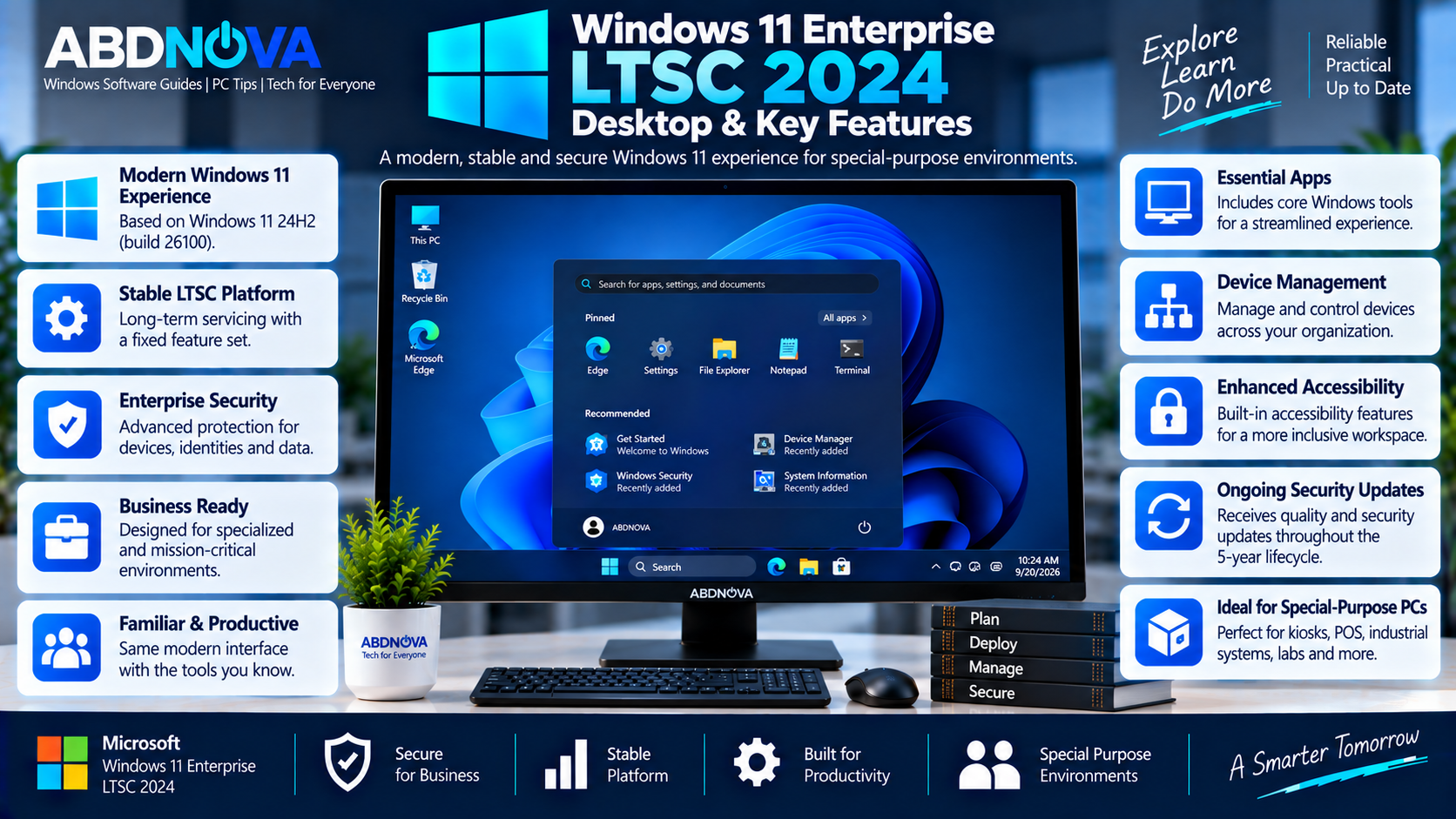
Windows 11 Enterprise LTSC 2024 Desktop & Key Features
Windows 11 24H2 Platform
Windows 11 Enterprise LTSC 2024 includes cumulative enhancements delivered across Windows 11 versions 21H2, 22H2, 23H2, and 24H2.
Its feature set is therefore similar to Windows 11 24H2 while using the more controlled LTSC servicing model.
Enterprise Security
Enterprise LTSC includes enterprise-focused security technologies designed to help organizations protect devices, identities, applications, and business data.
Microsoft highlights advanced protection against modern security threats as one of the major improvements compared with Windows 10 Enterprise LTSC 2021.
Device and App Management
Organizations receive enterprise management capabilities for controlling devices and applications across managed environments.
These capabilities are useful where administrators need consistent configuration, security policies, application control, and predictable servicing.
Controlled Servicing
LTSC is particularly useful where frequent feature changes are undesirable. Organizations can maintain a more predictable Windows environment while continuing to receive applicable quality and security updates during the supported lifecycle.
Accessibility Improvements
Windows 11 Enterprise LTSC 2024 incorporates accessibility improvements introduced across earlier Windows 11 releases, including:
- Voice access
- Live captions
- Narrator improvements
- Focus sessions
Windows 11 Enterprise LTSC 2024 vs Windows 10 Enterprise LTSC 2021
Windows 11 Enterprise LTSC 2024 succeeds Windows 10 Enterprise LTSC 2021 and moves the LTSC platform to the Windows 11 generation.
The newer release brings the Windows 11 interface together with enterprise, security, networking, management, accessibility, and usability improvements accumulated through Windows 11 24H2.
Organizations already using Windows 10 Enterprise LTSC 2021 should evaluate hardware compatibility, application support, drivers, licensing, and organizational requirements before migrating.
Windows 11 Enterprise LTSC 2024 System Requirements
Because Enterprise LTSC 2024 is based on Windows 11, organizations should evaluate target PCs against applicable Windows 11 hardware requirements.
Important areas include:
- Compatible 64-bit processor
- Sufficient RAM and storage
- UEFI firmware
- Secure Boot capability
- Applicable TPM requirements
- Compatible graphics hardware
- Supported device drivers
Some Windows 11 capabilities have additional hardware requirements. For production deployment, check both Microsoft’s requirements and the hardware manufacturer’s compatibility information.
Official 90-Day Windows 11 Enterprise LTSC 2024 Evaluation ISO
Microsoft currently provides Windows 11 Enterprise LTSC 2024 through its official Evaluation Center.
The LTSC evaluation is available for 90 days, and Microsoft’s current download table lists the Enterprise LTSC ISO as a 64-bit x64 edition.
Available languages currently include English (US and UK), Chinese Simplified and Traditional, French, German, Italian, Japanese, Korean, Portuguese (Brazil), and Spanish.
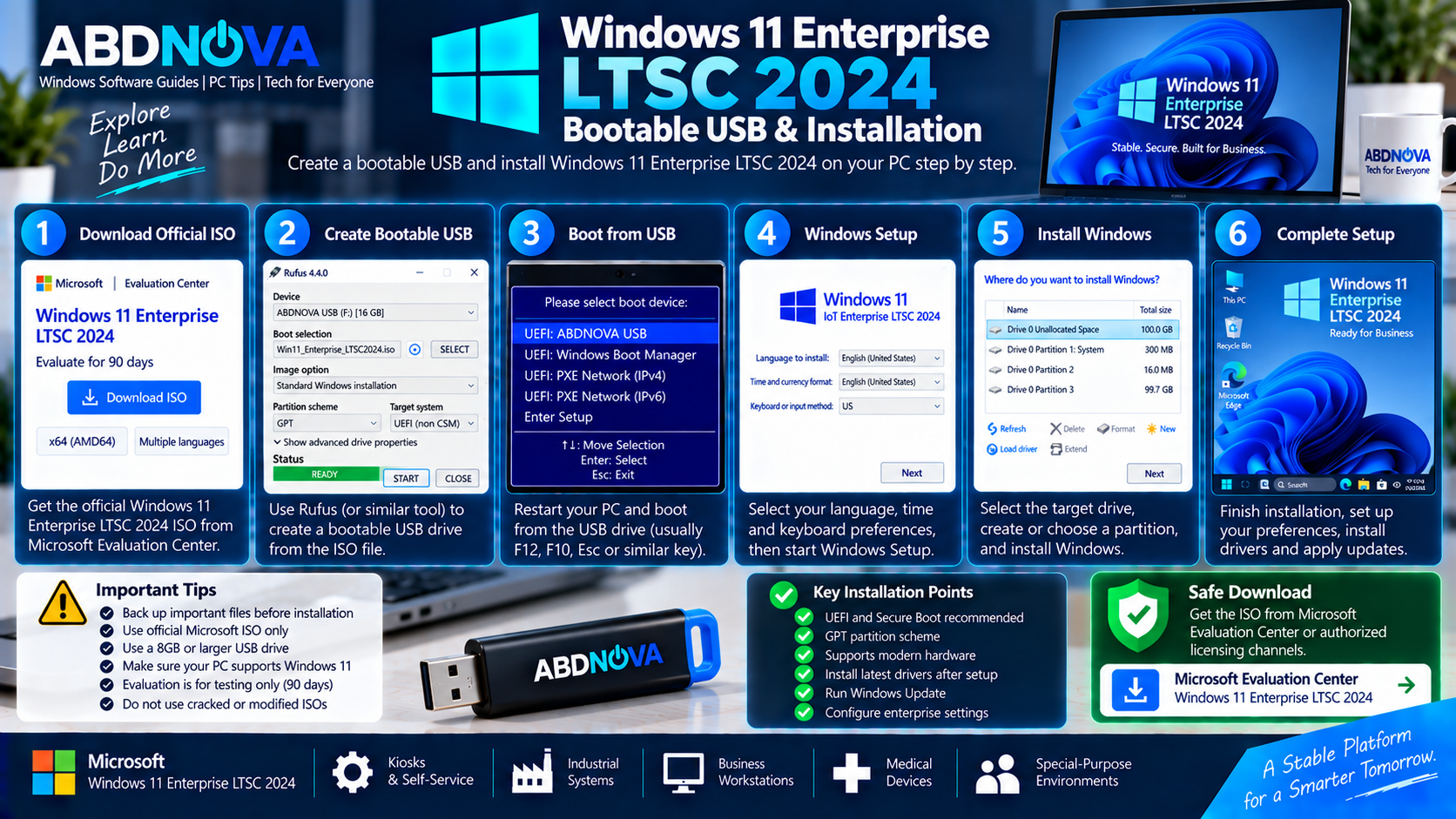
Windows 11 Enterprise LTSC 2024 Bootable USB & Installation
Do Not Confuse the Evaluation ISOs
Microsoft’s Evaluation Center currently lists both:
- Windows 11 Enterprise version 25H2
- Windows 11 Enterprise LTSC 2024
These are separate downloads. If you specifically need LTSC 2024, select the ISO explicitly labeled Windows 11 Enterprise LTSC.
Before Installing
Back up important files and settings before installing the evaluation. Microsoft states that a product key is not required for the evaluation software, although Windows will prompt for activation after installation.
Create a Bootable USB
- Download the official Enterprise LTSC 2024 ISO.
- Back up important files.
- Connect a suitable USB flash drive.
- Open a trusted bootable USB utility.
- Select the official LTSC 2024 ISO.
- Select the correct USB drive.
- Choose settings appropriate for the target PC.
- Create the bootable USB.
- Restart the computer.
- Open the UEFI/BIOS boot menu and select the USB drive.
Install Windows 11 Enterprise LTSC 2024
Boot the computer from the prepared installation media and follow Windows Setup.
- Select your language and keyboard settings.
- Start Windows Setup.
- Select the appropriate LTSC edition.
- Accept the applicable license terms.
- Select the installation drive.
- Complete Windows installation.
- Configure the initial settings.
- Install hardware-manufacturer drivers.
- Run Windows Update.
- Apply your organization’s security and management policies.
For permanent production deployment, use your organization’s legitimate Microsoft licensing and activation method.
Activation and Licensing
Microsoft’s Evaluation Center ISO allows IT professionals and organizations to evaluate Windows 11 Enterprise LTSC 2024 before deployment.
A product key is not required to install the evaluation software. However, this does not provide a permanent Windows Enterprise license.
Organizations deploying Windows 11 Enterprise LTSC 2024 permanently should obtain the appropriate Microsoft commercial licensing and use an authorized activation method.
Safe Windows 11 Enterprise LTSC 2024 Download
The safest Windows 11 Enterprise LTSC 2024 Download source for evaluation is Microsoft’s official Evaluation Center.
Avoid downloads advertised as:
- Windows 11 LTSC pre-activated
- Permanently activated LTSC
- Cracked Enterprise LTSC
- Windows 11 LTSC Lite
- Debloated LTSC ISO
- Activation-bypassed ISO
- Custom LTSC builds
- Torrent downloads
- Random cloud-storage downloads
Modified Windows installation images can contain malware, unwanted configuration changes, removed security components, or unauthorized activation mechanisms.
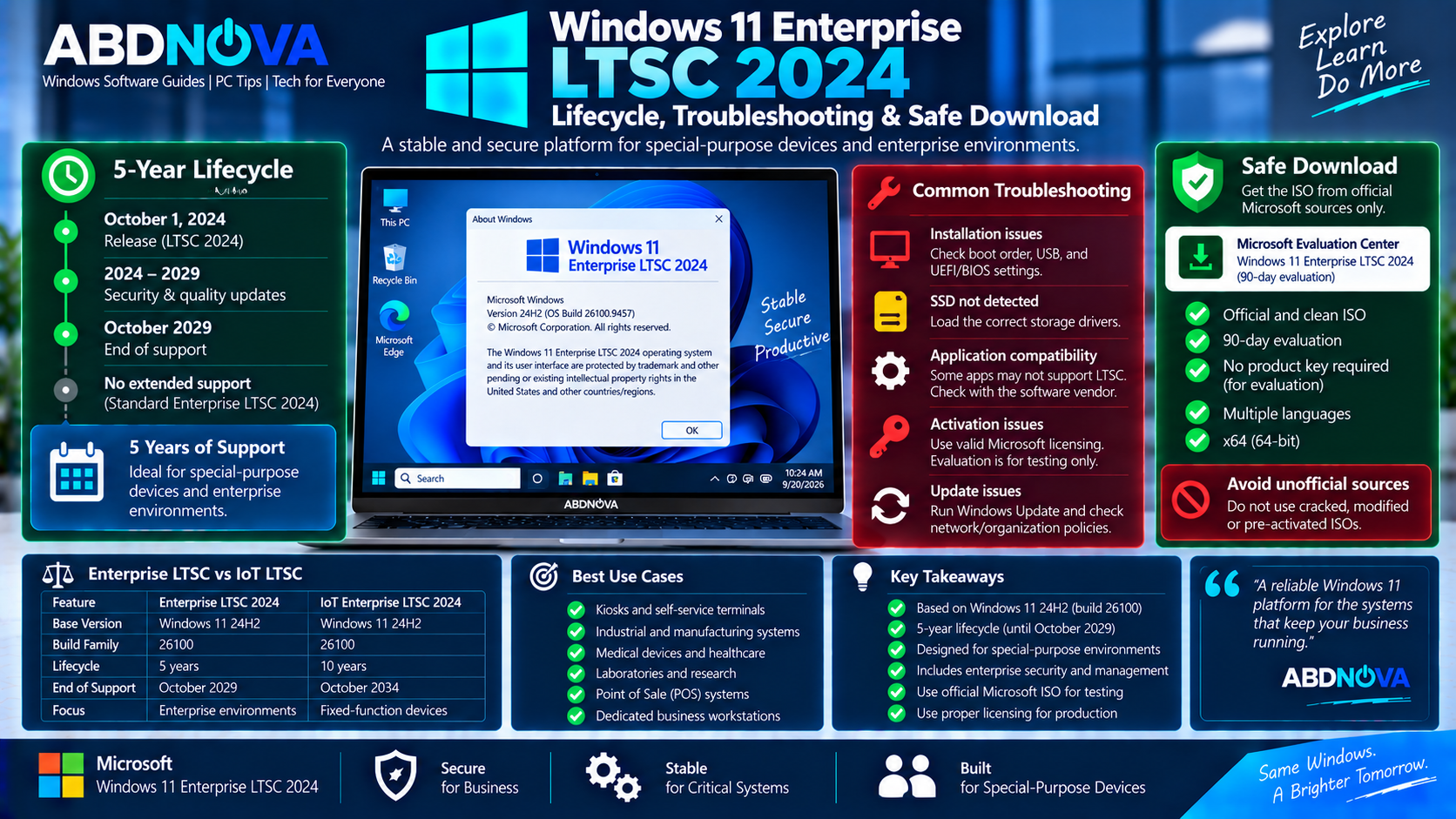
Windows 11 Enterprise LTSC 2024 Lifecycle, Troubleshooting & Safe ISO Download
Downloaded Windows 11 Enterprise 25H2 Instead of LTSC 2024
These are different downloads. Microsoft’s Evaluation Center currently lists standard Windows 11 Enterprise version 25H2 and Windows 11 Enterprise LTSC 2024 separately.
Return to Microsoft’s Evaluation Center and select the ISO specifically marked Enterprise LTSC.
USB Does Not Boot
Check the UEFI/BIOS boot order, USB boot support, partition scheme, boot mode, and installation-media configuration.
If necessary, recreate the bootable USB using settings appropriate for the target computer.
SSD Is Not Visible During Setup
Some PCs require a storage-controller driver before Windows Setup can detect the installation drive.
Download the correct storage or chipset driver directly from the PC, motherboard, or storage-controller manufacturer’s official support site.
Application Compatibility Problems
Microsoft warns that applications and tools designed around normal General Availability Channel Windows releases may have limited LTSC support.
Check the software vendor’s LTSC compatibility documentation before using important applications in production.
Why Does winver Show 24H2?
This is expected. Windows 11 Enterprise LTSC 2024 has features similar to Windows 11 version 24H2 and belongs to the 26100 build family.
Why Doesn’t Enterprise LTSC Show Support Through 2034?
The 2034 extended-support date belongs to Windows 11 IoT Enterprise LTSC 2024. Standard Windows 11 Enterprise LTSC 2024 has a five-year lifecycle ending in October 2029.
Frequently Asked Questions
Is Windows 11 Enterprise LTSC 2024 still supported?
Yes. Windows 11 Enterprise LTSC 2024 remains supported and its five-year lifecycle continues into October 2029.
Is Windows 11 Enterprise LTSC 2024 based on 24H2?
Yes. Microsoft states that its features are similar to Windows 11 version 24H2, and it uses the 26100 build family.
Does Windows 11 Enterprise LTSC 2024 have 10 years of support?
No. Standard Enterprise LTSC 2024 has a five-year lifecycle. Windows 11 IoT Enterprise LTSC 2024 is the edition with the ten-year lifecycle through 2034.
Can I download an official Windows 11 Enterprise LTSC 2024 ISO?
Yes. Microsoft’s Evaluation Center currently provides an official Windows 11 Enterprise LTSC ISO for a 90-day evaluation.
Is the Windows 11 Enterprise LTSC 2024 Evaluation ISO x64?
Yes. Microsoft’s current Enterprise Evaluation download table lists Windows 11 Enterprise LTSC as a 64-bit x64 ISO.
Is Windows 11 Enterprise 25H2 the same as Enterprise LTSC 2024?
No. They are separate downloads. Enterprise LTSC 2024 remains associated with the Windows 11 24H2 and 26100 platform.
Do I need a product key for the 90-day evaluation?
No. Microsoft states that a product key is not required for the evaluation software. This does not provide a permanent production license.
Final Thoughts
Windows 11 Enterprise LTSC 2024 Download provides organizations with a stable Windows 11 Enterprise platform designed for special-purpose environments where predictable long-term servicing is important.
Enterprise LTSC 2024 is aligned with Windows 11 24H2, uses the 26100 build family, and has a five-year lifecycle into October 2029. This is the key lifecycle difference from Windows 11 IoT Enterprise LTSC 2024, which continues under a ten-year lifecycle through 2034.
For testing, use Microsoft’s official 90-day x64 Enterprise LTSC Evaluation ISO. For production deployment, organizations should use appropriate Microsoft licensing and avoid cracked, modified, pre-activated, or unofficial installation media.
Download Windows 11 Enterprise LTSC 2024
Get the official 90-day x64 Enterprise LTSC Evaluation ISO directly from Microsoft.