


LibreOffice Download for Windows
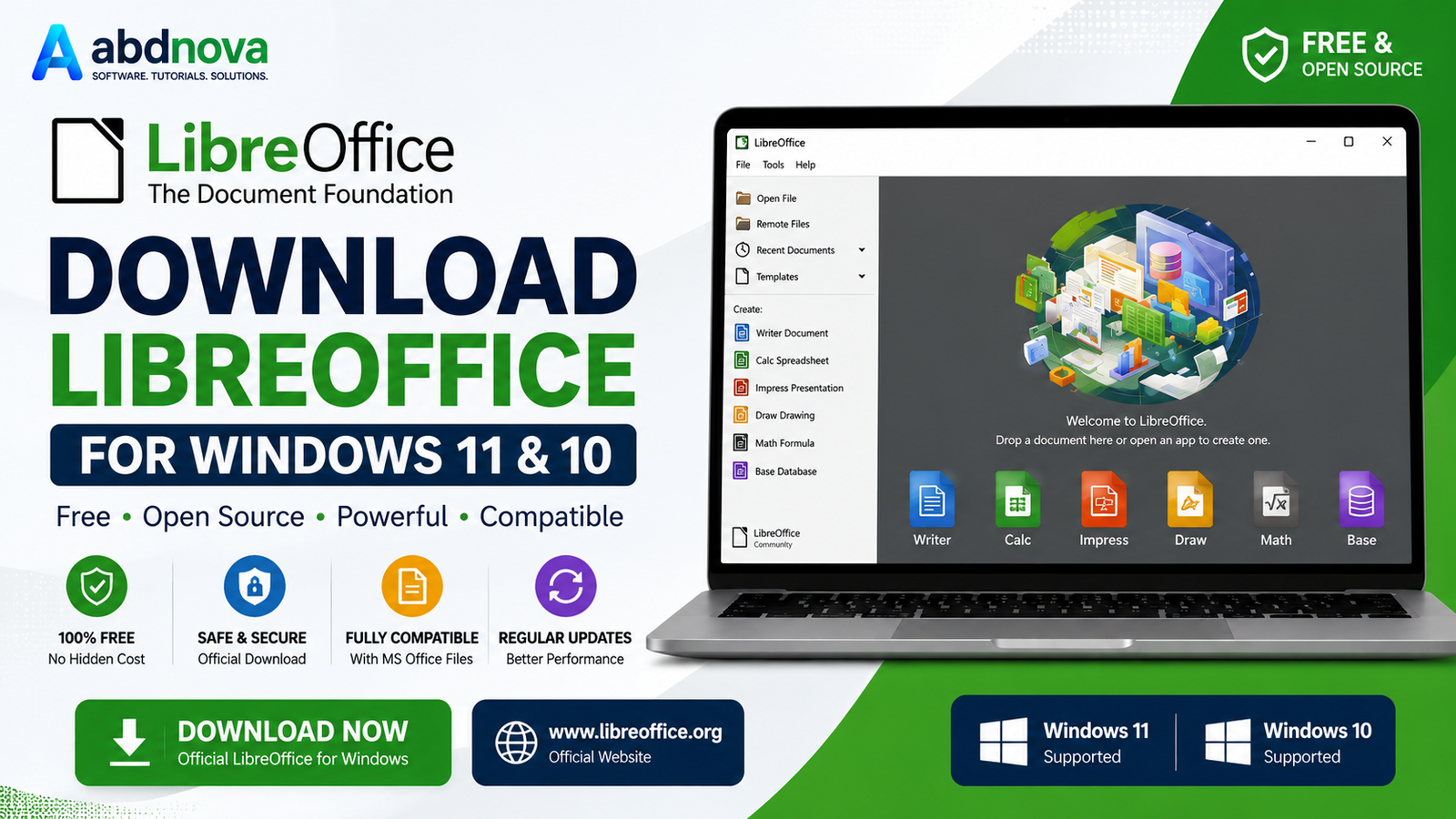
LibreOffice Download for Windows gives Windows 11 and Windows 10 users a free and open-source office suite for documents, spreadsheets, presentations, drawings, databases, and formulas. It includes Writer, Calc, Impress, Draw, Base, and Math and supports many Microsoft Office file formats.
LibreOffice Download for Windows – Overview
| Software | LibreOffice |
| Developer | The Document Foundation |
| Category | Office & Productivity |
| License | Free & Open Source |
| Platform | Windows |
| Windows Support | Windows 10 or newer |
| Architecture | x86-64 / ARM64 |
| Main Apps | Writer, Calc, Impress, Draw, Base, Math |
What Is LibreOffice?
LibreOffice is a complete office productivity suite developed by an open-source community and backed by The Document Foundation. It provides everyday office tools without requiring users to purchase a traditional commercial office-suite license.
LibreOffice Desktop – Main Interface

The LibreOffice Start Center provides access to the suite’s main applications and lets you create or open documents, spreadsheets, presentations, drawings, databases, and formulas.
LibreOffice Features: Writer, Calc, Impress & More

Writer
Writer is the word processor for letters, reports, CVs, documents, books, and business files. It is LibreOffice’s alternative to Microsoft Word.
Calc
Calc is the spreadsheet application for calculations, tables, formulas, charts, financial data, data analysis, and business records. It can open and modify Microsoft Excel spreadsheets.
Impress
Impress is used to create presentations and slideshows and can open, edit, and save Microsoft PowerPoint presentations.
Draw, Base and Math
Draw provides tools for diagrams, flowcharts and vector graphics. Base is designed for database work, while Math is LibreOffice’s formula and equation editor.
PDF Export, Templates and Extensions
LibreOffice can export documents to PDF, supports templates for common productivity tasks, and supports extensions that can add extra functionality.
LibreOffice 64-bit vs ARM64 Windows Compatibility

Current LibreOffice releases are designed for modern Windows systems. For most conventional Intel or AMD computers, choose the Windows x86-64 build. If your Windows computer uses a compatible ARM-based processor, choose the Windows ARM64 build.
To check your architecture, open Settings → System → About → System type.
How to Install LibreOffice on Windows

- Visit the official LibreOffice download page.
- Choose the Windows version for your computer.
- Select x86-64 for most Intel/AMD PCs or ARM64 for a compatible ARM PC.
- Download the official installer.
- Open the downloaded LibreOffice installer.
- Allow Windows to run it if prompted.
- Follow the installation wizard and choose the appropriate options.
- Complete installation and launch LibreOffice.
LibreOffice Microsoft Office File Compatibility

LibreOffice supports many commonly used Microsoft Office file formats, including DOC/DOCX, XLS/XLSX, and PPT/PPTX. Writer can work with Word documents, Calc can work with Excel spreadsheets, and Impress can work with PowerPoint presentations.
| LibreOffice App | Native Format | Microsoft Equivalent |
|---|---|---|
| Writer | ODT | DOCX |
| Calc | ODS | XLSX |
| Impress | ODP | PPTX |
Complex Microsoft Office files may not always display or behave exactly the same after conversion, so important documents should be checked before printing, sharing, or final submission.
LibreOffice vs Microsoft Office
LibreOffice’s main advantage is that it is free and open source. Microsoft Office and Microsoft 365 can offer deeper integration with Microsoft’s ecosystem and may be preferable for organizations that depend on advanced Microsoft-specific workflows and cloud services.
LibreOffice is a strong choice for users who need free desktop word processing, spreadsheets, presentations, PDF export, and offline productivity tools.
Related Office Guides
See our Microsoft Office 2021 guide for another desktop office-suite option.
You can also read our Microsoft Office 2024 guide.
Common LibreOffice Problems and Fixes
LibreOffice Won’t Install
Restart Windows, download a fresh official installer, and confirm that you selected the correct Windows architecture before trying the installation again.
LibreOffice Won’t Open
Restart LibreOffice and Windows, update LibreOffice, check for a damaged user profile, and reinstall the suite if necessary.
DOCX Formatting Looks Different
Check fonts, page margins, tables, headers and footers, images, and page breaks. Complex Word documents can sometimes display differently in Writer.
XLSX File Doesn’t Work Correctly
Important Excel workbooks should be checked for formulas, macros, charts, and formatting because complex spreadsheets may rely on Excel-specific features.
LibreOffice Is Slow
Update LibreOffice, restart the PC, close unnecessary programs, test without heavy extensions, and check whether the issue affects one document or every file.
Is LibreOffice Free?
Yes. LibreOffice is free and open-source software backed by The Document Foundation.
Is LibreOffice Safe?
Use the genuine installer from the official LibreOffice website. Avoid modified, cracked, or repackaged installers, keep LibreOffice updated, and obtain extensions from trustworthy sources.
LibreOffice FAQ
Does LibreOffice work on Windows 11?
Yes. Current LibreOffice Windows releases support Windows 11.
Does LibreOffice work on Windows 10?
Yes. Windows 10 meets the minimum Windows requirement for current x86-64 releases.
Can LibreOffice open Microsoft Word documents?
Yes. Writer supports commonly used Microsoft Word file formats, including DOCX.
Can LibreOffice open Excel files?
Yes. Calc can open, modify, and save Microsoft Excel spreadsheets.
Can LibreOffice open PowerPoint files?
Yes. Impress can open, edit, and save Microsoft PowerPoint presentations.
Which LibreOffice Windows version should I download?
Most conventional Intel and AMD Windows PCs should use x86-64. Choose ARM64 for a compatible ARM-based Windows computer.
Final Thoughts
LibreOffice is a strong free alternative to a traditional paid office suite. Writer, Calc, Impress, Draw, Base, and Math provide tools for documents, spreadsheets, presentations, graphics, databases, and formulas in one package.
If you are looking for LibreOffice Download for Windows, use the official LibreOffice source and choose the architecture that matches your Windows PC.
Ready to download LibreOffice?
Windows 11 & 10 • x86-64 / ARM64 • Free & Open Source
ABDNOVA does not host the LibreOffice installer. The button opens the official LibreOffice download page.


