
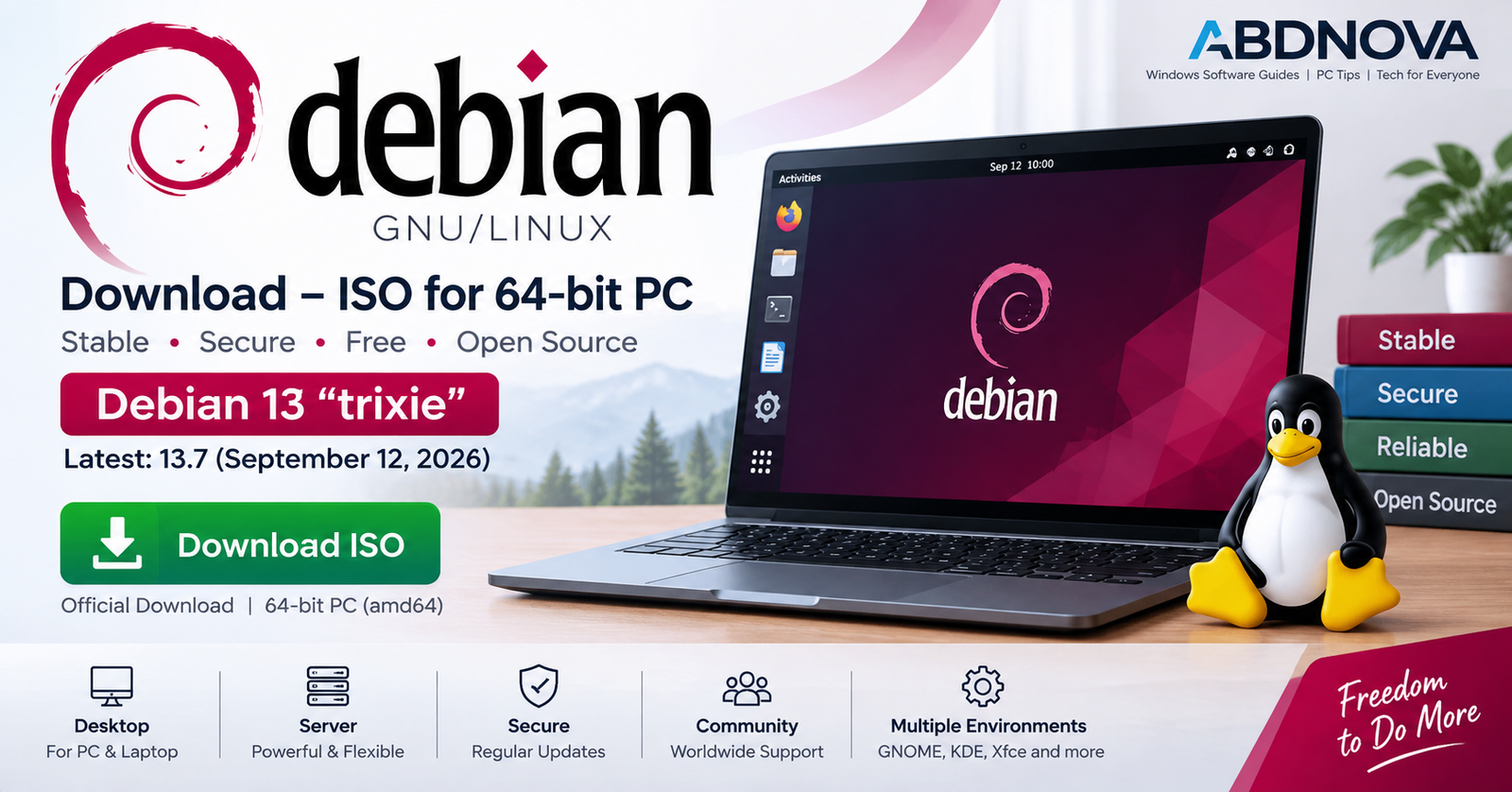

Debian Download – ISO for 64-bit PC
Debian Download provides a free and open-source Linux operating system known for stability, security, flexibility, and its large software repository. Debian can be installed on desktop PCs, laptops, servers, virtual machines, and many other systems.
The current stable release is Debian 13.7 “trixie”, released on September 12, 2026. For a typical modern Intel or AMD desktop or laptop, Debian provides a 64-bit PC (amd64) installation image.
If you currently use Windows 11 or Windows 10, you can download the Debian ISO, create a bootable USB, test Debian with a Live image, install it alongside Windows, or use Debian as the PC’s main operating system.
Debian 13.7 at a Glance
| Details | Information |
|---|---|
| Operating System | Debian GNU/Linux |
| Current Stable Release | Debian 13.7 “trixie” |
| Release Date | September 12, 2026 |
| PC Architecture | 64-bit PC (amd64) |
| Supported PC CPUs | AMD64 and Intel 64 |
| License | Free and open source |
| Installation Media | ISO image |
| Installation Options | Netinst, DVD and Live images |
| Live USB | Yes |
| Developer | Debian Project |
| Suitable For | Desktop, laptop, server and virtual machine |
What Is Debian?
Debian is a GNU/Linux distribution developed by the Debian Project and a worldwide community of contributors. It provides a stable Linux platform for personal computers, development systems, servers, and many other workloads.
Debian can be downloaded and used without purchasing a software license. It also provides access to a large collection of software through its package-management infrastructure.
Debian 13 “Trixie”
Debian maintains several development branches, including stable, testing, and unstable. For a normal desktop or laptop installation, the stable release is the appropriate starting point.
Debian 13, codenamed trixie, was originally released in August 2025. Debian 13.7 is the current stable point release.
A point release does not represent a completely new Debian generation. It incorporates accumulated security updates, bug fixes, and other important corrections into updated installation media.
Current point release: Debian 13.7
Standard 64-bit PC architecture: amd64
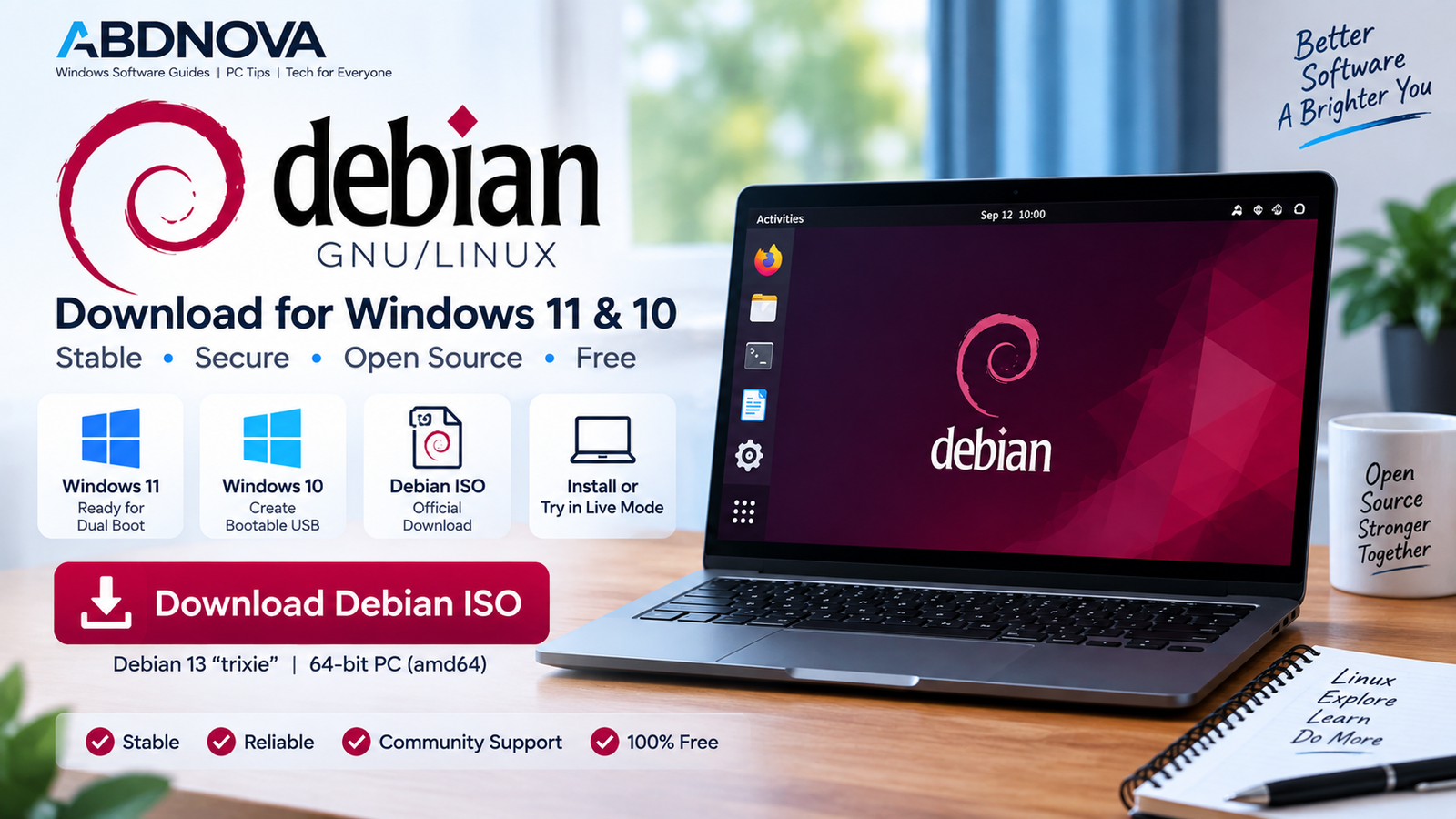
Debian Download for Windows 11 & 10
You can download Debian using a Windows 11 or Windows 10 PC and use the ISO to create Linux installation media.
For most modern Intel and AMD Windows computers, select:
The name amd64 does not mean that the image works only on AMD processors. Debian’s amd64 architecture is intended for 64-bit AMD and Intel processors.
Debian is a complete operating system rather than a standard Windows application. The ISO is normally written to a bootable USB drive or used in a virtual machine instead of being installed as a Windows .exe program.
Which Debian ISO Should You Download?
Debian provides several installation-image options. The best choice depends on your internet connection and whether you want to test Debian before installation.
64-bit PC Netinst ISO
The amd64 netinst ISO is a practical option for PCs with a reliable internet connection.
The netinst image contains the basic installer and downloads additional software packages during installation.
This option provides a smaller initial download and works well when the target computer has internet access during installation.
Debian DVD ISO
The larger DVD image includes more software packages locally. It can be useful when internet access during installation is slow, limited, or unavailable.
Debian Live ISO
Debian Live images allow you to start a complete Debian desktop directly from a USB drive without first installing Debian on the internal SSD or hard drive.
You can use Live mode to test:
- Wi-Fi and networking.
- Display and graphics.
- Audio.
- Keyboard and mouse.
- Touchpad.
- Webcam.
- External hardware.
- The Debian desktop itself.
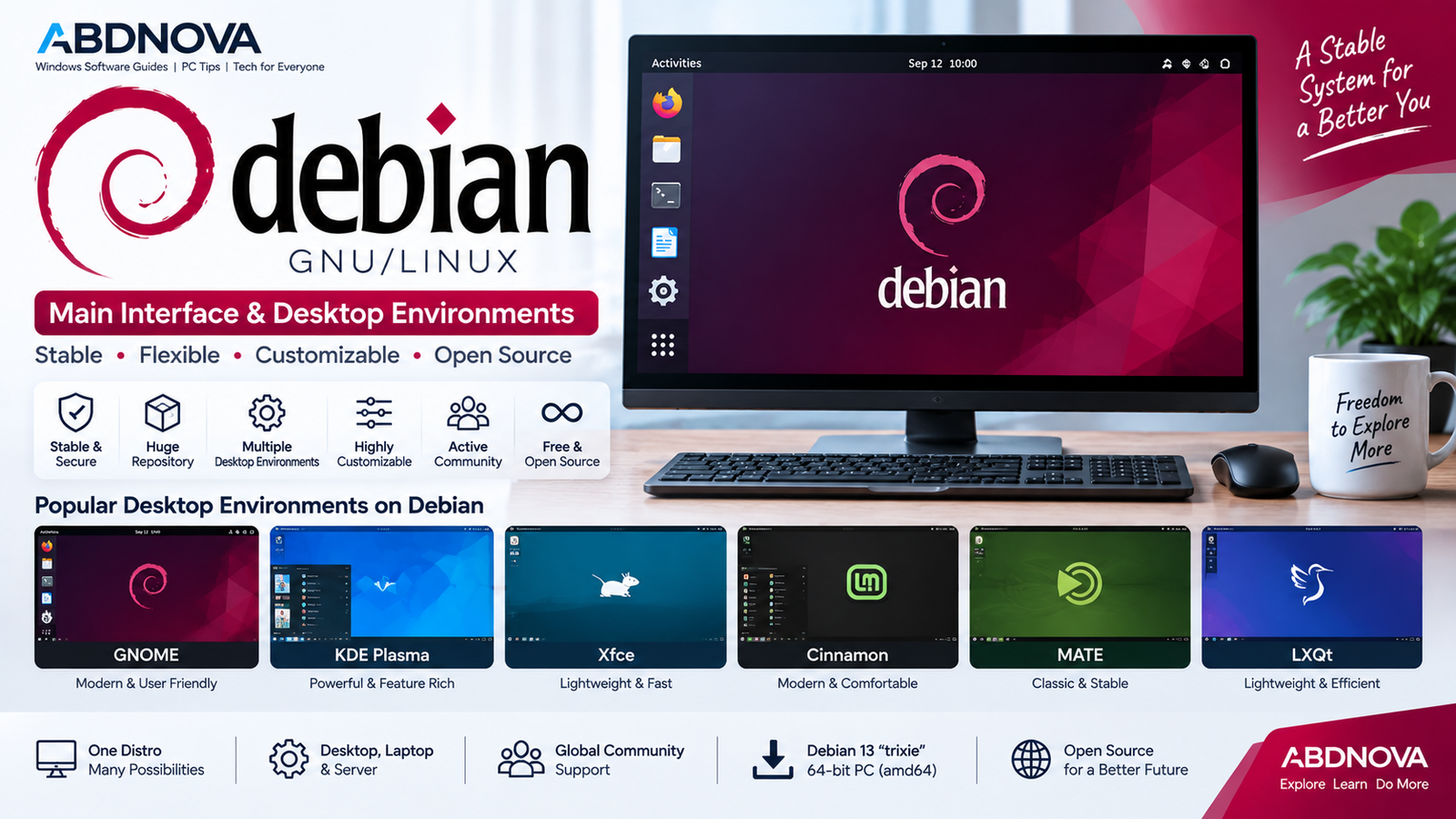 Debian Main Interface, Desktop Environments & Features
Debian does not restrict users to one desktop interface. You can choose from several desktop environments depending on the workflow and system resources you prefer.
GNOME
GNOME provides a modern workspace-oriented desktop with application search, an Activities overview, virtual workspaces, and a clean interface.
KDE Plasma
KDE Plasma provides a highly customizable desktop with a traditional panel, application launcher, system tray, widgets, and extensive appearance options.
Xfce
Xfce provides a lighter desktop environment that can be useful for older or lower-powered hardware while retaining a traditional desktop workflow.
Cinnamon
Cinnamon uses a familiar desktop layout with a panel and application menu, making it relatively easy to understand for many users moving from Windows.
MATE, LXQt & LXDE
Debian also supports MATE, LXQt, and LXDE for users who prefer different workflows or lower resource usage.
Debian Software & Package Management
Debian provides a large software repository and package-management system for installing applications and maintaining the operating system.
Available software categories include:
- Web browsers.
- Office applications.
- Media players.
- Programming tools.
- Graphics applications.
- Development environments.
- Server software.
- System administration tools.
Debian’s package tools can also manage software updates and dependencies, reducing the need to manually download individual installers from unrelated websites.
Debian for Developers
Debian provides a flexible environment for programming, web development, Linux development, server administration, containers, and other technical workloads.
Common development technologies include:
- Python.
- C and C++.
- Java.
- JavaScript.
- Node.js.
- Git.
- Web development tools.
- Linux development tools.
- Containers.
- Server administration utilities.
If you also work with containers from Windows, see our Docker Desktop Download for Windows guide.
Debian for Older PCs
Debian can also be used on older computers. Selecting a lighter desktop environment such as Xfce or LXQt can reduce resource usage compared with heavier desktop configurations.
Actual performance depends on:
- Processor performance.
- Available RAM.
- SSD or hard-drive speed.
- Graphics hardware.
- Selected desktop environment.
- Applications being used.
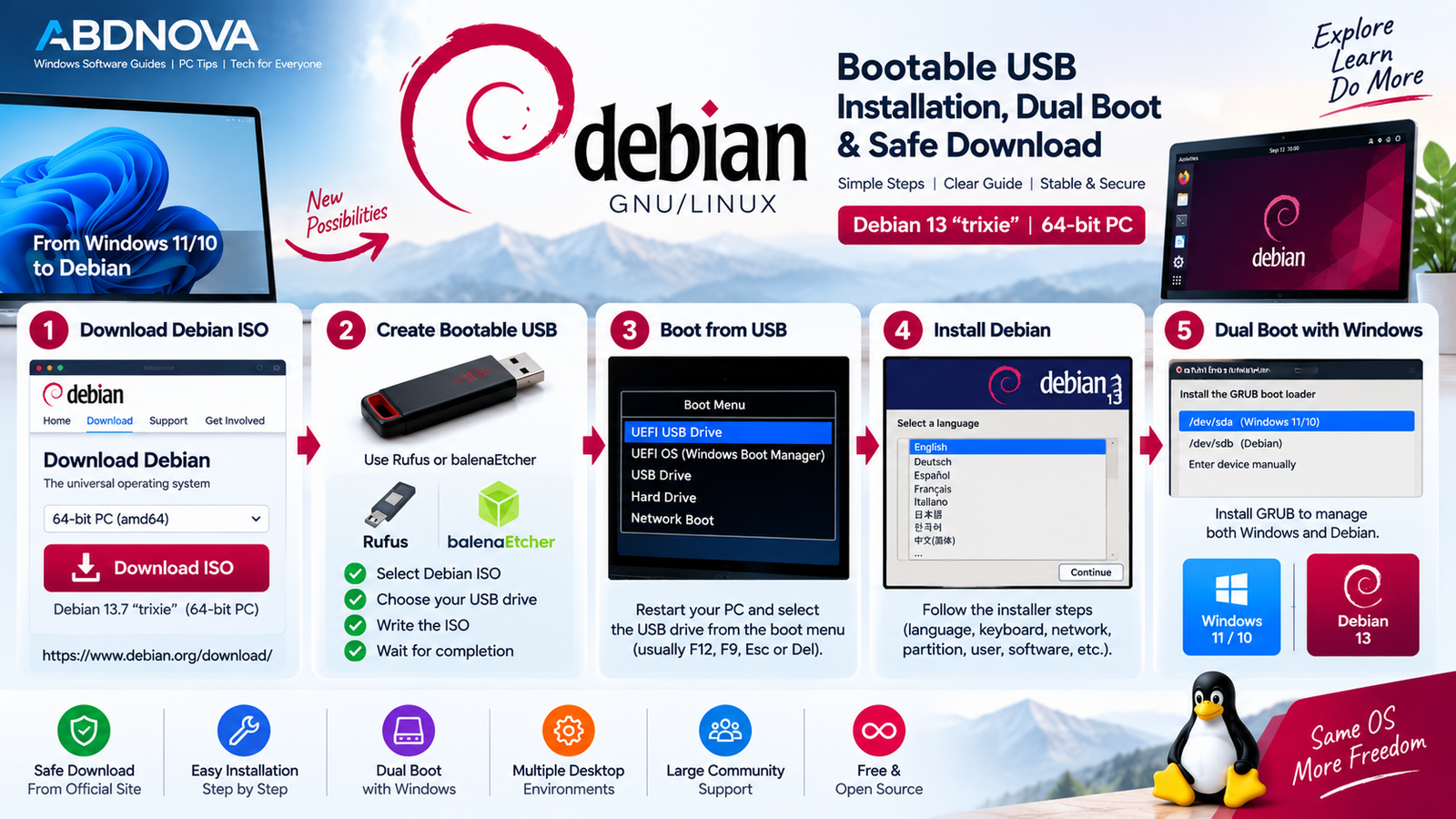
Debian Bootable USB, Installation & Dual Boot
Create a Debian Bootable USB on Windows
After downloading the Debian ISO, create bootable installation media using a USB flash drive.
- Download the official Debian ISO.
- Insert a USB flash drive.
- Open a suitable bootable USB creation tool.
- Select the Debian ISO.
- Select the correct USB drive.
- Write the image to the USB.
- Wait for the process to complete.
- Restart the computer.
- Open the BIOS/UEFI boot menu.
- Select the Debian USB.
Try Debian Before Installing
If you downloaded a Debian Live image, you can boot from the USB and test the operating system before making permanent changes to your computer.
Check important hardware such as Wi-Fi, Bluetooth, graphics, audio, keyboard, mouse, touchpad, and external devices before proceeding with installation.
Install Debian on a 64-bit PC
After booting from the USB, the Debian Installer guides you through the installation process.
Typical setup stages include:
- Language selection.
- Keyboard configuration.
- Network setup.
- User and password configuration.
- Disk partitioning.
- Base-system installation.
- Desktop and software selection.
- Boot-loader configuration.
For beginners, the graphical installer generally provides the easiest setup experience.
Debian and Windows Dual Boot
Debian can coexist with Windows 11 or Windows 10 in a multi-boot configuration.
Windows 11 + Debian 13
Windows 10 + Debian 13
When the computer starts, the boot menu can allow you to select which operating system to use.
This can be useful when you want Debian for Linux development, programming, servers, learning, or everyday computing but still need Windows-specific software.
Debian 13 Support Lifecycle
Debian 13 “trixie” has a long support lifecycle. The regular Debian support period is followed by Long Term Support, extending the Debian 13 lifecycle through June 30, 2030.
This extended lifecycle is useful for users who prefer a stable operating-system base rather than frequently changing major releases.
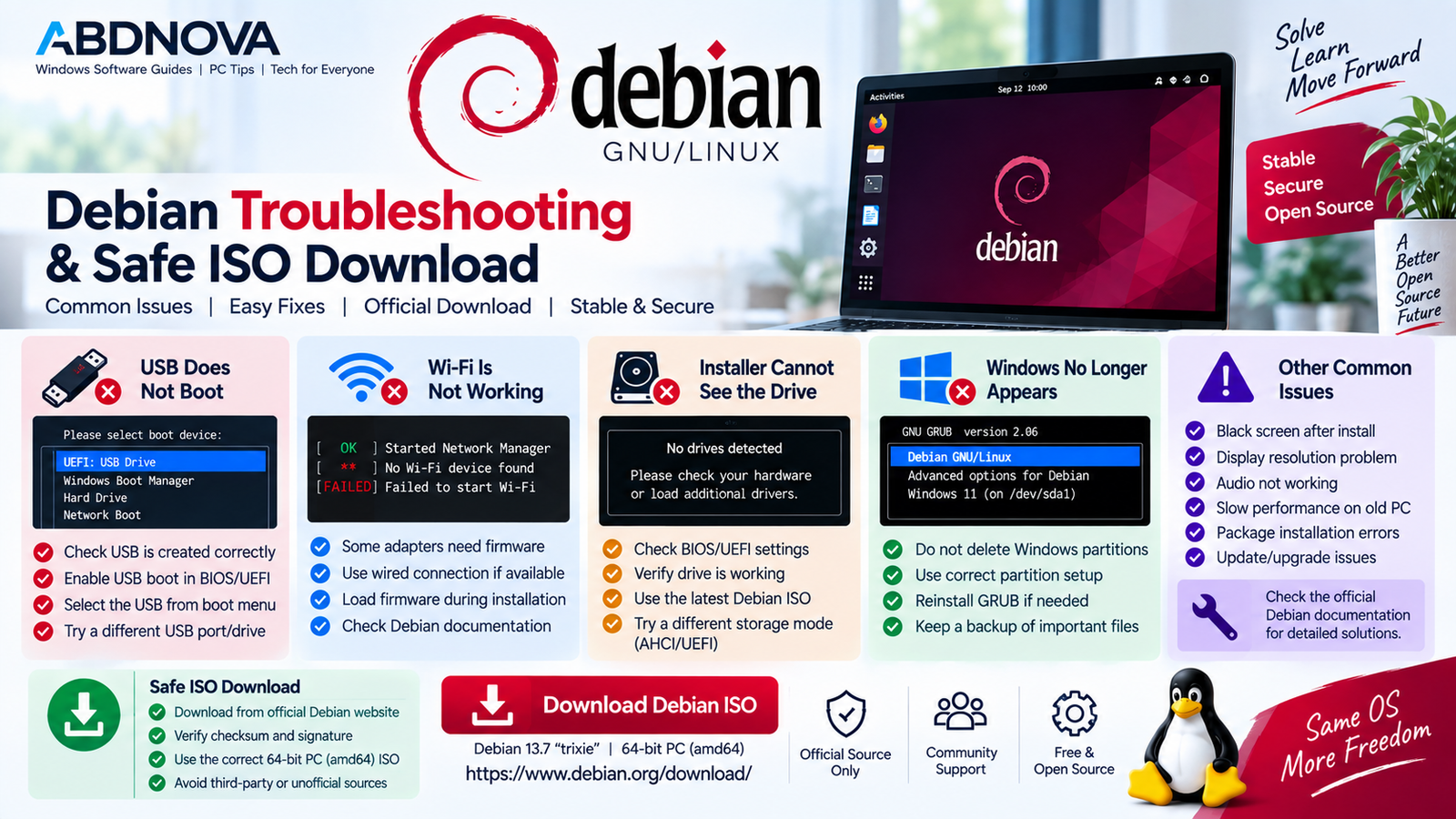
Debian Troubleshooting & Safe ISO Download
Debian USB Does Not Boot
Try the following:
- Recreate the bootable USB.
- Check that the correct Debian ISO was used.
- Try another USB port.
- Open the BIOS/UEFI boot menu manually.
- Confirm USB boot is enabled.
- Select the correct USB device.
Wi-Fi Does Not Work
Some network adapters may require additional firmware or updated system packages.
Try:
- Testing Wi-Fi from a Debian Live image.
- Using Ethernet temporarily if available.
- Installing available system updates.
- Checking the Wi-Fi adapter model.
- Following Debian’s firmware documentation.
Debian Installer Cannot See the Drive
Check the BIOS/UEFI storage configuration, verify that the SSD or hard drive is functioning correctly, and make sure you are using current Debian installation media.
Windows Does Not Appear in the Boot Menu
When creating a dual-boot system, avoid deleting or formatting Windows system partitions. Check the boot configuration and UEFI settings if Windows no longer appears as expected.
Debian Runs Slowly
Try:
- Use an SSD if possible.
- Install available Debian updates.
- Close unnecessary applications.
- Check available RAM.
- Use a lighter desktop such as Xfce or LXQt.
- Check graphics and hardware support.
Safe Debian ISO Download
Always download Debian installation images from the official Debian Project website or its official distribution infrastructure.
The official Debian download pages provide current installation media and verification resources that can be used to check downloaded images.
- Debian crack.
- Modified Debian ISO.
- Pre-activated Debian.
- Patched Debian ISO.
- Unofficial Debian repack.
- Unknown third-party Debian image.
Debian is already free and open-source software. It does not require an activation key, crack, keygen, or modified installer.
Frequently Asked Questions
What is the latest stable Debian version?
The current stable series is Debian 13 “trixie,” and Debian 13.7 is the current point release as of September 2026.
Is Debian free?
Yes. Debian is free and open-source software.
Which Debian ISO should I download for a normal PC?
For a typical modern 64-bit Intel or AMD desktop or laptop, choose the Debian amd64 image.
Does Debian amd64 work on Intel processors?
Yes. Debian’s amd64 architecture supports compatible 64-bit AMD and Intel processors.
Should I use Debian netinst or a Live ISO?
Netinst is useful for a smaller installation download when internet access is available during setup. A Live image is useful when you want to test Debian and your hardware before installing it.
Can I try Debian without installing it?
Yes. Debian Live images can run from a USB drive without first installing Debian on the computer’s internal storage.
Can Debian dual boot with Windows 11 or Windows 10?
Yes. Debian can coexist with Windows in a multi-boot configuration. Back up important files before modifying disk partitions.
Which desktop environments are available for Debian?
Debian supports multiple desktop environments, including GNOME, KDE Plasma, Xfce, Cinnamon, MATE, LXQt, and LXDE.
Is Debian suitable for an older PC?
It can be. A lightweight desktop environment such as Xfce or LXQt can be useful on systems with more limited hardware resources.
How long is Debian 13 supported?
Debian 13’s regular support period is followed by Long Term Support, extending its lifecycle through June 30, 2030.
Final Thoughts
Debian Download provides a stable, flexible, and open-source Linux operating system for desktops, laptops, development systems, servers, and virtual machines.
For a typical modern Intel or AMD PC, Debian 13.7 amd64 is the appropriate 64-bit release. You can use the smaller netinst image for an internet-based installation or a Live image when you want to test Debian and your hardware before installing it.
Download Debian from the official Debian Project, back up important Windows data before modifying partitions, and test important hardware before making permanent changes to your PC.
Download Debian 13.7
Get the official Debian ISO for your 64-bit PC directly from the Debian Project.


