
Windows 11 23H2 Download – ISO & EOL Status
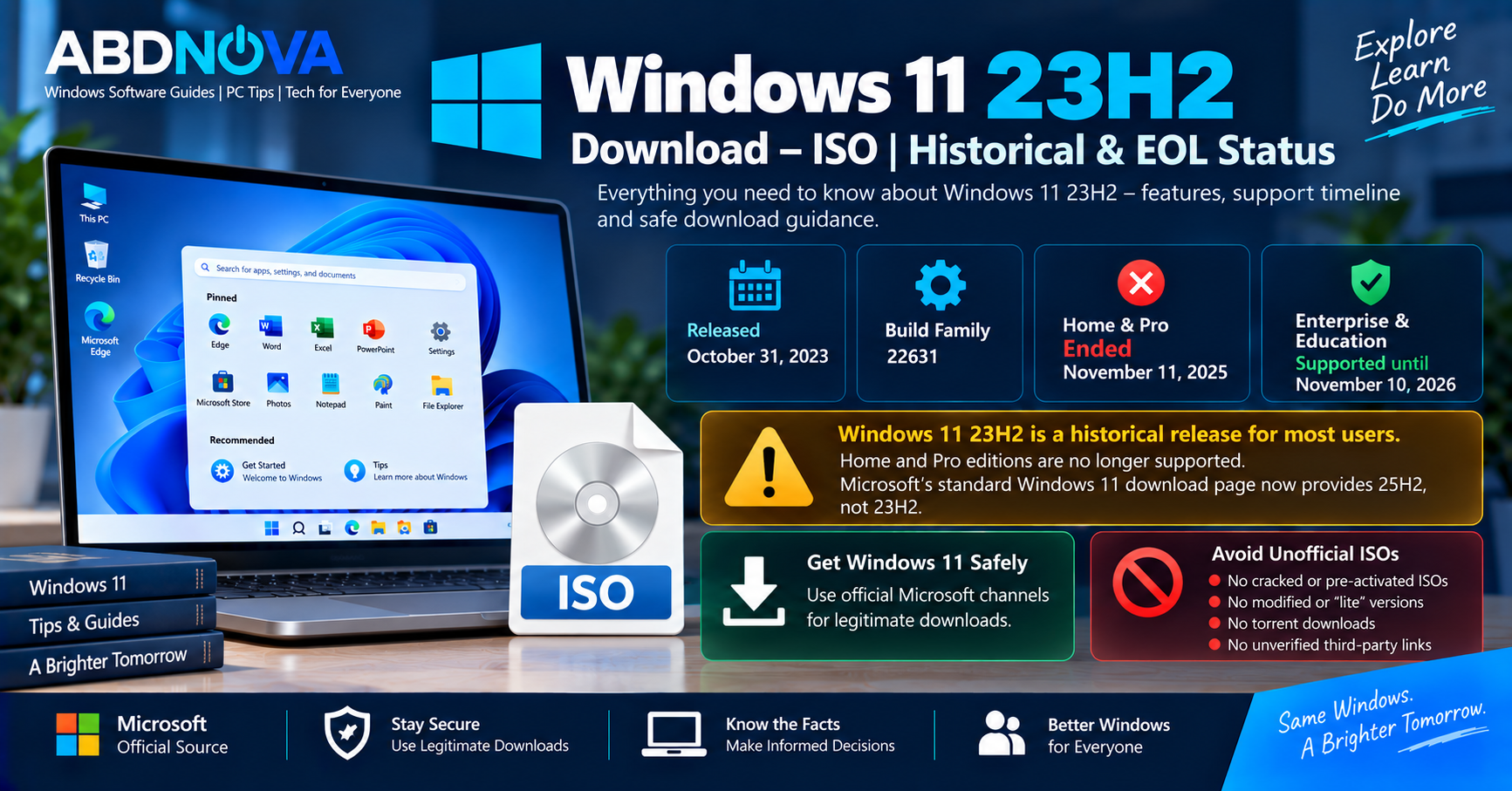
Windows 11 23H2 Download now needs to be considered in a historical and support-lifecycle context. Microsoft released Windows 11 version 23H2 on October 31, 2023, and it belongs to the OS Build 22631 family.
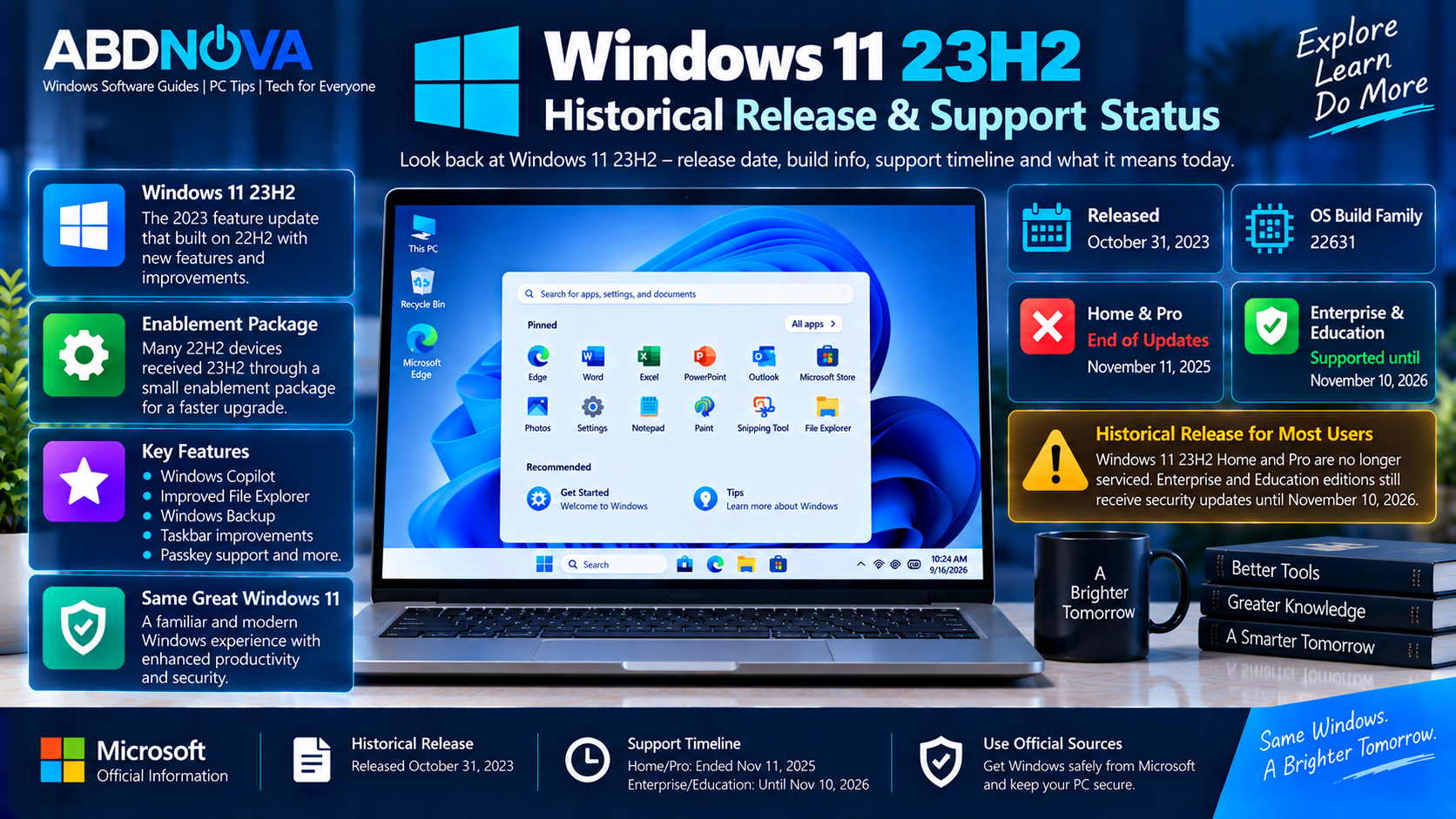
For consumer PCs, Windows 11 23H2 is no longer the current Windows release. Home and Pro editions reached end of servicing on November 11, 2025. Enterprise and Education editions follow a longer lifecycle and remain supported until November 10, 2026.
For Microsoft’s current consumer ISO, see our Windows 11 ISO Download guide.
Windows 11 23H2 Release Details
| Detail | Information |
|---|---|
| Developer | Microsoft |
| Product | Windows 11 |
| Version | 23H2 |
| Release Date | October 31, 2023 |
| OS Build Family | 22631 |
| Servicing Channel | General Availability Channel |
| Home / Pro Status | End of servicing |
| Home / Pro EOL | November 11, 2025 |
| Enterprise / Education Status | Supported until November 10, 2026 |
| Standard Microsoft Consumer ISO | No longer Windows 11 23H2 |
| Current Standard Download | Windows 11 25H2 |
Windows 11 23H2 Historical Release & Support Status
Windows 11 23H2 was Microsoft’s 2023 annual Windows 11 feature update. It shared its servicing branch and code base closely with Windows 11 22H2.
For eligible and fully updated Windows 11 22H2 PCs, Microsoft used an enablement package to activate the 23H2 functionality. This made the transition smaller and faster than performing a complete operating-system installation in many cases.
Windows 11 23H2 Home and Pro — End of Servicing
Windows 11 23H2 Home and Pro reached end of servicing on November 11, 2025.
This also applies to the normal consumer-oriented lifecycle for editions such as Pro Education and Pro for Workstations. These editions no longer receive normal monthly security servicing for Windows 11 23H2.
Enterprise and Education — Still Supported
Windows 11 23H2 Enterprise and Education have a longer lifecycle. Their end-of-updates date is November 10, 2026.
Therefore, saying that every Windows 11 23H2 edition is already EOL would be inaccurate. Support status depends on the installed edition.
Can You Download Windows 11 23H2 ISO from Microsoft?
Microsoft’s normal consumer Windows 11 download page no longer provides a Windows 11 23H2 ISO. Its standard consumer download has moved to newer Windows 11 releases.
This distinction matters because downloading the ISO currently offered on Microsoft’s standard Windows 11 page does not mean you are downloading Windows 11 23H2.
Users who genuinely require older Windows 11 23H2 media for enterprise deployment, compatibility testing, historical testing, or organizational maintenance should use an appropriate legitimate Microsoft licensing, enterprise, subscription, or organizational channel available to them.
Why Would Someone Still Need Windows 11 23H2?
There is little reason to perform a fresh Windows 11 23H2 Home or Pro installation on a normal modern PC because those editions are already outside their normal servicing period.
However, legitimate uses for older 23H2 media can include:
- Application compatibility testing
- Virtual machine testing
- Historical software testing
- Enterprise deployment maintenance
- IT labs
- Troubleshooting older configurations
- Maintaining systems that specifically require the older environment
Enterprise and Education deployments are a separate case because those Windows 11 23H2 editions remain within their servicing lifecycle until November 2026.
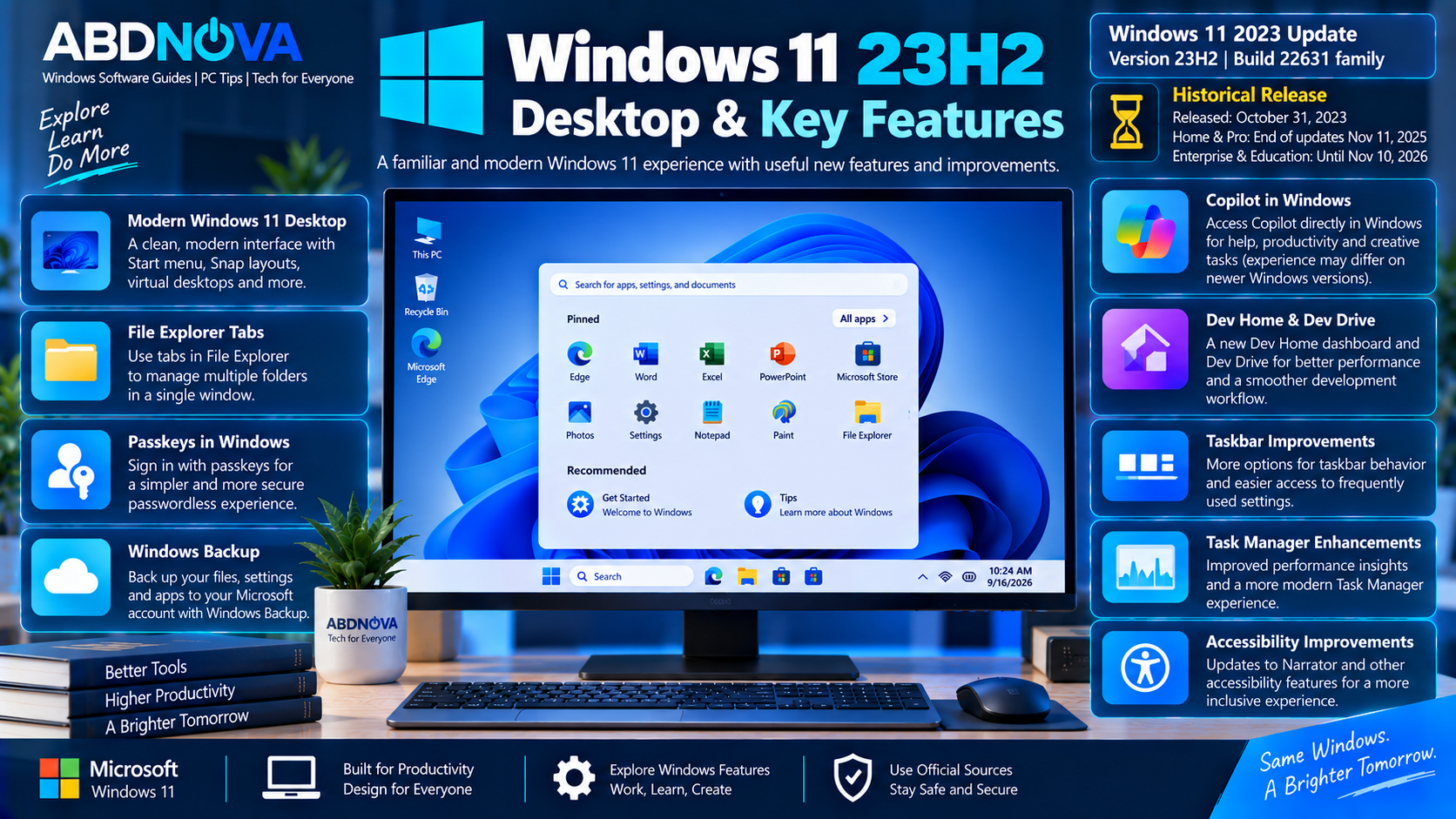
Windows 11 23H2 Desktop & Key Features
Windows 11 23H2 incorporated improvements accumulated during the Windows 11 22H2 servicing period along with additional functionality associated with the 23H2 release.
Windows Copilot
The Windows 11 23H2 period introduced Microsoft’s early Copilot integration into Windows. Microsoft’s Windows AI strategy and implementation have changed considerably since that release, so current Windows versions may provide a different experience.
File Explorer Improvements
Windows 11 received a redesigned File Explorer experience with a more modern interface and improvements to common file-management workflows.
Windows Backup
Windows Backup helped users back up selected settings, credentials, files, and other information associated with their Microsoft account.
Taskbar Improvements
The 23H2 release period included taskbar-related changes, including options requested by users who preferred more traditional taskbar behavior.
Passkey Support
Microsoft expanded Windows support for passkeys as part of its move toward passwordless authentication.
Dynamic Lighting
Windows gained integrated controls for compatible RGB lighting devices, reducing reliance on separate applications for some supported hardware.
Developer Improvements
The Windows 11 23H2 release period also included features aimed at developers and advanced users, including Dev Drive and other productivity improvements.
Windows 11 23H2 System Requirements
Windows 11 23H2 follows the standard Windows 11 hardware requirements. A compatible computer generally requires:
- Compatible 64-bit processor
- 4 GB RAM or more
- 64 GB storage or more
- UEFI firmware
- Secure Boot capability
- TPM 2.0
- DirectX 12-compatible graphics
- Compatible display
- Internet access for certain setup scenarios and features
How to Check Whether You Have Windows 11 23H2
To check the Windows version installed on your PC:
- Press Windows + R.
- Type
winver. - Press Enter.
A Windows 11 23H2 installation should report Version 23H2 and an OS build beginning with 22631.
You can also open:
Windows 11 23H2 Latest Build Status
Although Home and Pro have reached end of servicing, the Windows 11 23H2 branch continues receiving servicing for eligible Enterprise and Education editions.
Microsoft’s September 14, 2026 release information lists OS Build 22631.7584 for Windows 11 23H2.
Windows 11 23H2 vs 24H2 vs 25H2
| Version | Release Generation | Build Family | Current Context |
|---|---|---|---|
| Windows 11 23H2 | 2023 | 22631 | Home/Pro EOL; Enterprise/Education supported until November 2026 |
| Windows 11 24H2 | 2024 | 26100 | Newer Windows platform generation |
| Windows 11 25H2 | 2025 | 26200 | Current standard Microsoft consumer download |
For Microsoft’s current consumer Windows 11 installation media, use our Windows 11 ISO Download guide rather than looking for an unsupported Home/Pro 23H2 ISO.
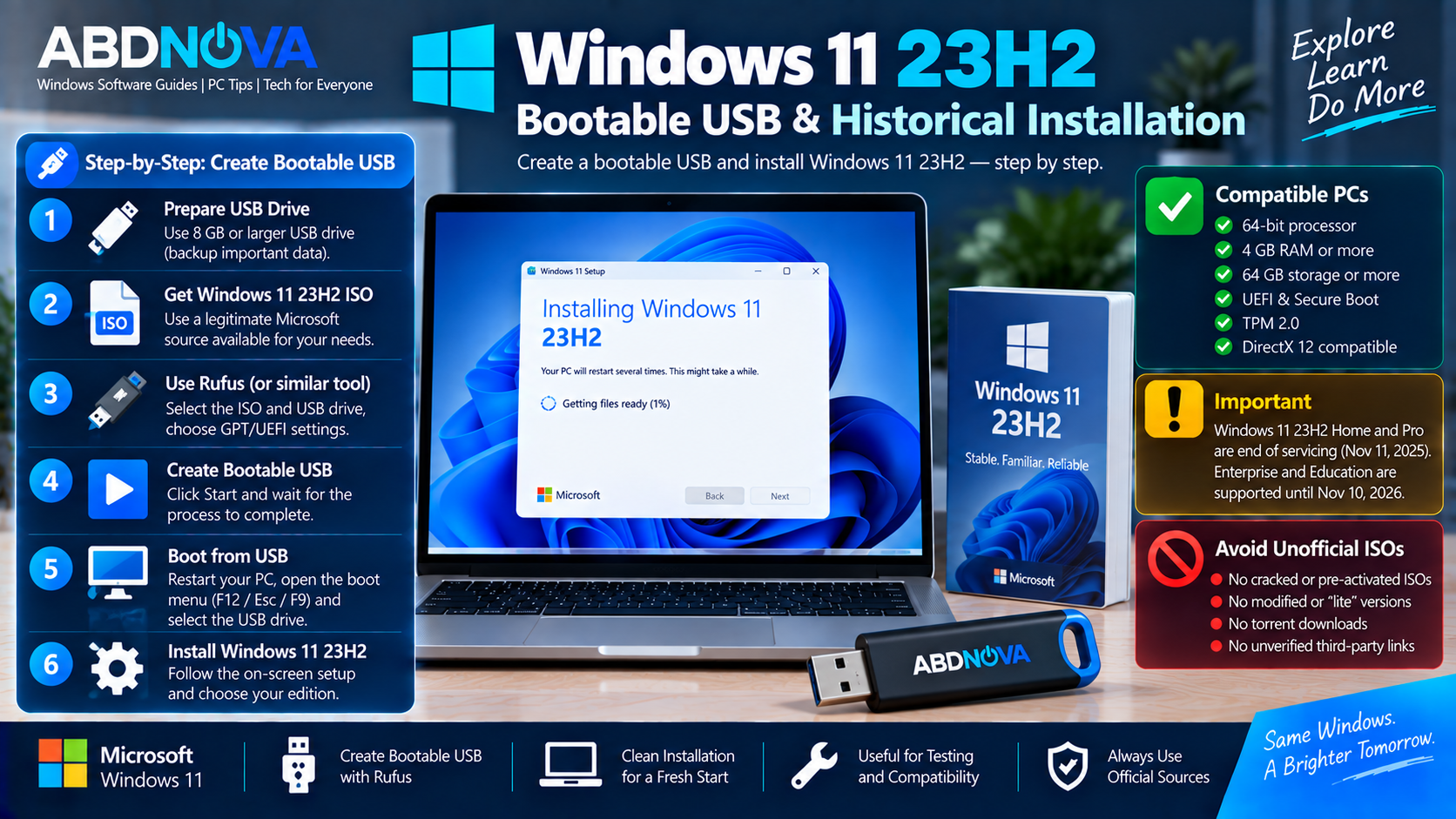
Windows 11 23H2 Bootable USB & Historical Installation
If you already possess a legitimate, unmodified Windows 11 23H2 ISO for an appropriate historical, testing, compatibility, or enterprise use case, standard ISO-writing tools can create bootable installation media.
What You Need
- Original Windows 11 23H2 ISO
- 8 GB or larger USB drive
- Compatible Windows 11 PC
- Bootable USB creation software
- Backup of important data
Create a Windows 11 23H2 Bootable USB
- Connect the USB flash drive.
- Open your bootable USB utility.
- Select the correct USB device.
- Select the legitimate Windows 11 23H2 ISO.
- Configure the media for the target UEFI system.
- Create the bootable drive.
- Restart the target computer.
- Open its boot menu.
- Select the USB drive.
- Start Windows Setup.
Clean Installing Windows 11 23H2
After booting from the installation USB, Windows Setup allows you to select language and keyboard settings, choose an edition when applicable, select the installation drive, and install Windows.
A clean installation can remove the existing Windows environment when the system partition is formatted or erased. Back up important files before proceeding.
Windows 11 23H2 Activation
A Windows 11 ISO does not include a Windows license. Activation requires a valid license or digital entitlement appropriate for the installed Windows edition.
A PC that previously had a properly activated matching edition may reactivate automatically after connecting to Microsoft’s activation service.
Avoid installation media advertised as pre-activated, cracked, permanently activated, or activation bypassed. These are not legitimate Microsoft installation media.
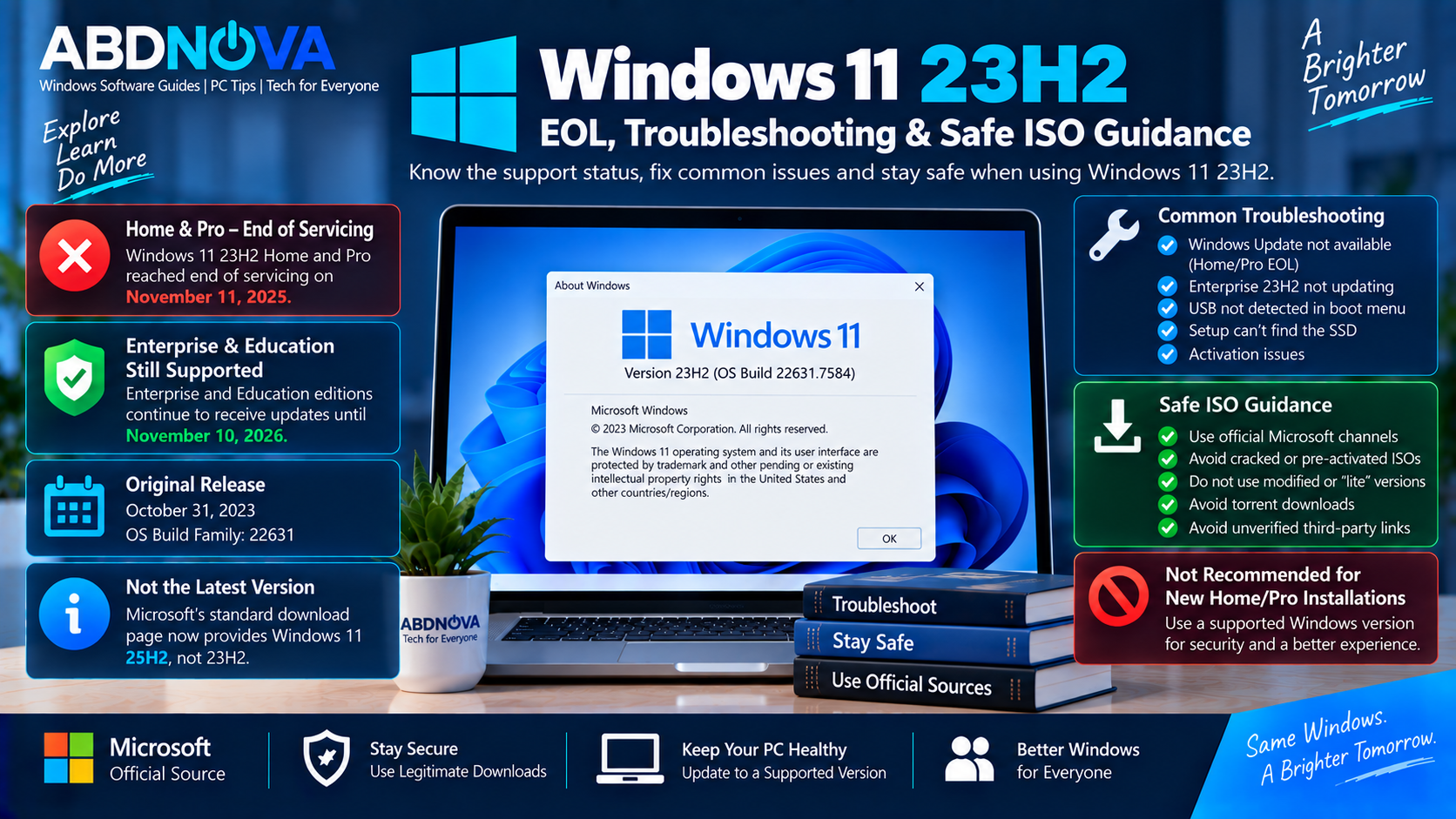
Windows 11 23H2 Troubleshooting & Safe ISO Guidance
Windows Update No Longer Offers Updates
First check the installed Windows edition. Windows 11 23H2 Home and Pro have reached end of servicing, so normal security servicing for those editions has ended.
Moving to a supported Windows release is the appropriate path rather than repeatedly searching for missing 23H2 Home/Pro security updates.
Enterprise or Education 23H2 Is Not Updating
Enterprise and Education 23H2 remain serviced until November 10, 2026. Check Windows Update, organizational update policies, network access, WSUS or Intune configuration where applicable, and Microsoft’s Windows release-health information.
PC Does Not Boot from USB
Confirm that the USB installation media was created correctly and that the PC is configured for the appropriate UEFI boot mode.
Use the motherboard or PC manufacturer’s boot menu to select the USB device.
Windows Setup Cannot Find the SSD
Some storage controllers require additional drivers during Windows Setup. Download the correct storage driver from the PC or motherboard manufacturer’s official support site.
Safe Windows 11 23H2 ISO Download
Because Windows 11 23H2 is no longer available from Microsoft’s normal consumer ISO page, old 23H2 download results require extra care.
- Modified Windows ISOs
- Pre-activated ISO images
- Torrent releases
- Unknown ISO mirrors
- Random cloud-storage links
- “Lite” or heavily modified Windows builds
- Activation bypass tools
- Websites claiming Microsoft’s current standard download is still 23H2
If an older Windows 11 23H2 image is genuinely required, obtain it through an appropriate legitimate Microsoft licensing, enterprise, subscription, or organizational source available for your use case.
If you instead need Microsoft’s current Windows 11 installation media, see our Windows 11 ISO Download guide or our Windows 11 Installation Assistant Download guide for upgrading a compatible PC.
Frequently Asked Questions
Is Windows 11 23H2 still supported?
It depends on the edition. Home and Pro reached end of servicing on November 11, 2025. Enterprise and Education remain supported until November 10, 2026.
Is Windows 11 23H2 completely EOL?
No. Windows 11 23H2 is EOL for Home and Pro, but Enterprise and Education remain within their servicing lifecycle until November 10, 2026.
When was Windows 11 23H2 released?
Microsoft released Windows 11 version 23H2 on October 31, 2023.
What is the Windows 11 23H2 build number?
Windows 11 23H2 uses the OS Build 22631 family.
Can I download Windows 11 23H2 from Microsoft’s normal download page?
No. Microsoft’s standard consumer Windows 11 download page currently provides Windows 11 25H2 rather than Windows 11 23H2.
Can I still use an existing Windows 11 23H2 ISO?
An original ISO can still function technically, but its support status depends on the Windows edition. Installing an older ISO does not extend Microsoft’s servicing lifecycle.
Should I download Windows 11 23H2 from a third-party ISO website?
An unknown third-party ISO cannot automatically be assumed to be identical to Microsoft’s original installation media. Use legitimate Microsoft channels available for your scenario.
Final Thoughts
Windows 11 23H2 Download is now primarily a historical topic for consumer PCs. Windows 11 23H2 launched on October 31, 2023 with the 22631 build family, but Home and Pro reached end of servicing on November 11, 2025.
Enterprise and Education follow a longer lifecycle and remain supported until November 10, 2026. This distinction is important when checking whether an existing Windows 11 23H2 installation is still receiving security updates.
Microsoft’s standard consumer Windows 11 download page now provides Windows 11 25H2 rather than 23H2. If older 23H2 media is genuinely required, use an appropriate legitimate Microsoft channel and avoid cracked, modified, pre-activated, or unverified third-party ISO files.
Download the Current Windows 11 ISO
Microsoft’s standard download page now provides the current Windows 11 release, not Windows 11 23H2.