


darktable Download for Windows – Free RAW Photo Editor
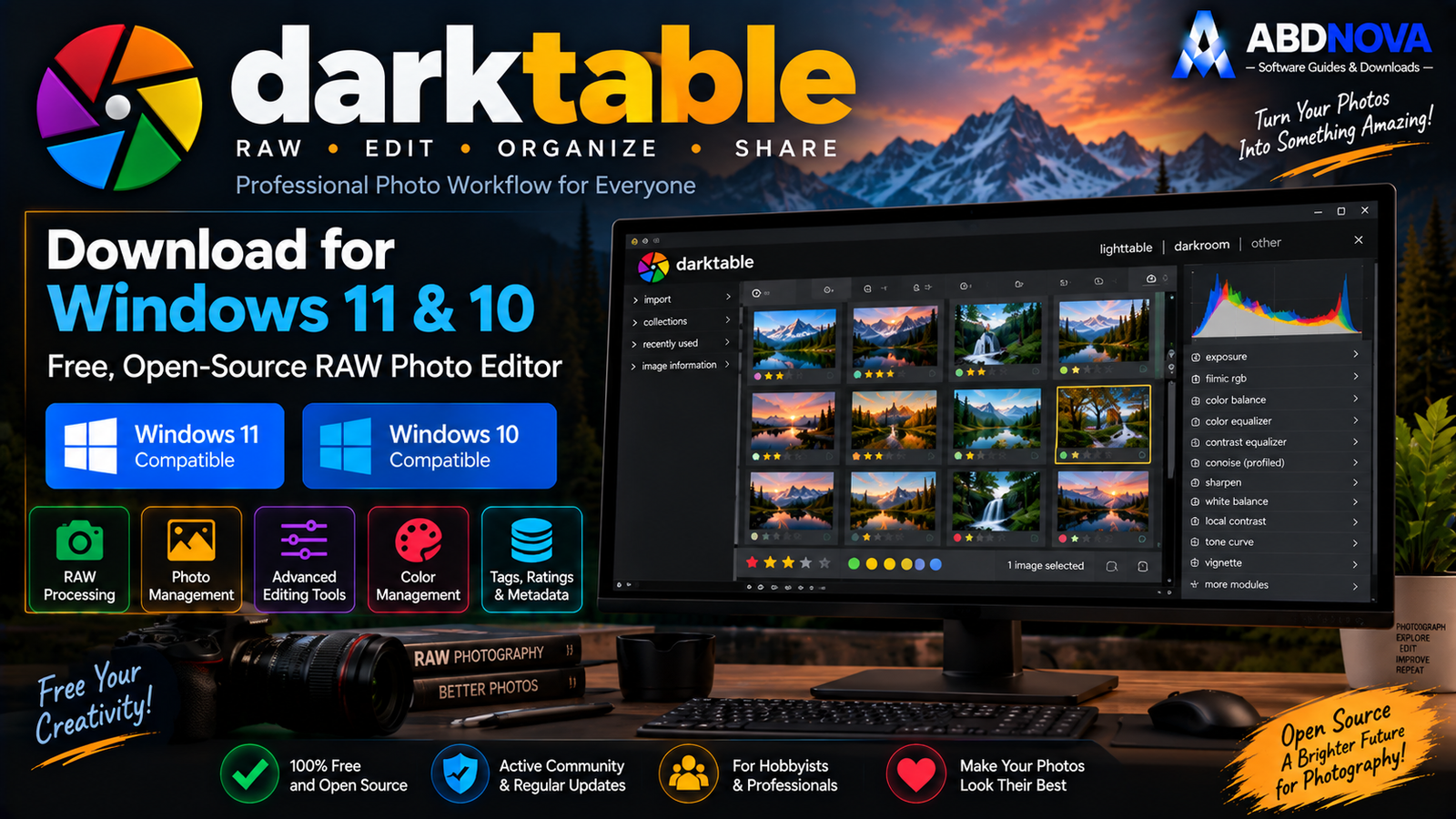
Download darktable for Windows 11 and 10 to organize, develop and export RAW photos with non-destructive editing, professional color tools, masks and GPU acceleration.
darktable Download for Windows gives photographers a free and open-source RAW development and photo-workflow application without requiring a subscription.
darktable combines a Lighttable for importing, organizing, rating, tagging and filtering photographs with a Darkroom for non-destructive RAW development.
Your original image is not modified while you edit. darktable stores the processing instructions separately and applies them when you export the finished photograph.
darktable Download for Windows – Quick Overview
| Information | Details |
|---|---|
| Software | darktable |
| Current Version | 5.6.1 |
| Release Date | August 27, 2026 |
| Type | RAW Developer / Photo Workflow |
| License | Free & Open Source — GPL 3.0 |
| Windows 11 | Supported |
| Windows 10 | Supported |
| x86-64 Build | Yes |
| Windows on ARM Build | Yes |
| RAW Development | Yes |
| Non-Destructive Editing | Yes |
| Lighttable | Yes |
| Darkroom | Yes |
| OpenCL Acceleration | Yes |
| Ratings / Tags / Labels | Yes |
| XMP Sidecars | Yes |
| Tethered Shooting | Yes, with supported cameras |
| AI Features | Optional in 5.6 series |
| Lua Scripting | Yes |
What Is darktable?
darktable describes itself as an open-source photography workflow application and RAW developer built around a virtual lighttable and darkroom.
darktable can be used for:
- Importing photographs.
- Organizing large photo collections.
- RAW development.
- Non-destructive image editing.
- Exposure and tone correction.
- Professional color management.
- Masks and local adjustments.
- Noise reduction and sharpening.
- Metadata management.
- Tethered shooting.
- Exporting finished photographs.
- Automating workflows with Lua.
darktable Windows Downloads – x86-64 vs ARM
Standard Intel / AMD PCs
Most Windows 11 and Windows 10 computers should use the standard win64 installer.
The official current package is:
darktable-5.6.1-win64.exe
Windows on ARM
Compatible ARM-based Windows computers can use the official Windows-on-ARM build:
darktable-5.6.1-woa64.exe

How to Install darktable on Windows
- Open the official darktable installation page.
- Find the Windows downloads.
- Choose win64 for a normal Intel or AMD PC.
- Choose woa64 only for a compatible ARM-based Windows PC.
- Download the EXE installer.
- Open the downloaded file.
- Review any Windows security message carefully.
- Complete the setup wizard.
- Launch darktable.
- Open Lighttable and import the folder containing your photos.

darktable Main Interface – Lighttable & Darkroom
Lighttable
Lighttable is darktable’s photo-management workspace.
You can use it to:
- Browse photos.
- Import images.
- Rate photographs.
- Apply color labels.
- Add tags.
- Search collections.
- Filter images.
- Select photos for editing.
- Export finished images.
For users who mainly need a viewer and organizer rather than a full RAW developer, our XnView MP Download for Windows guide covers another strong photo-management option.
Darkroom
Darkroom is the main RAW-development workspace.
It includes processing modules for:
- Exposure.
- Color.
- Detail.
- Sharpening.
- Denoising.
- Masks.
- Local adjustments.
- Other image-processing tasks.
Non-Destructive RAW Editing
One of darktable’s most important features is non-destructive editing.
The original RAW photograph remains unchanged. You can experiment with exposure, color, crop, masks, denoising and sharpening without permanently rewriting the camera original.

darktable RAW Editing – Exposure, Tone, Color & Masks
RAW Photo Support
darktable is primarily designed for RAW photography and supports workflows involving many camera manufacturers and formats.
RAW decoding uses the RawSpeed library. Support for a very new camera model can depend on whether the required camera samples and support have already been added.
Exposure & Tone Editing
Typical RAW-development adjustments can include:
- Exposure.
- Highlights.
- Shadows.
- Contrast.
- Black level.
- Tone mapping.
- Dynamic-range adjustments.
RAW files retain more sensor information than finished JPEG images, giving photographers more flexibility when recovering highlights, shadows and overall tonal balance.
Color Management
darktable includes professional color-management functionality and workflows involving profiles such as:
- sRGB.
- Adobe RGB.
- XYZ.
- Linear RGB.
Masks & Local Adjustments
Masks allow edits to target only specific areas of a photograph.
For example, you can:
- Brighten a face.
- Darken a sky.
- Increase detail in a subject.
- Adjust a selected color region.
- Apply denoising selectively.
OpenCL GPU Acceleration
darktable can use OpenCL to accelerate many image-processing operations on compatible hardware.
GPU acceleration can be particularly useful with:
- High-resolution RAW photographs.
- Complex processing stacks.
- Masks.
- Noise reduction.
- Large exports.

darktable Advanced Features – AI Object Mask, XMP & Tethering
darktable 5.6 AI Features
The darktable 5.6 series introduced an optional AI subsystem.
The AI functionality is disabled by default and can be enabled through preferences when required.
AI Object Mask
One notable feature is AI Object Mask, which can help generate object-based selections for masking workflows inside Darkroom.
Version 5.6 also introduced Windows GPU support work for these AI features.
Ratings & Color Labels
Large photo collections can be organized using star ratings and color labels.
A simple workflow might be:
- ★★★★★ — Portfolio.
- ★★★★ — Excellent.
- ★★★ — Keep.
- ★★ — Review.
- ★ — Reject candidate.
Tags & Metadata
Tags can organize photos independently of their physical folder structure.
For example:
Travel → Bahrain → Sunset
darktable can filter collections using tags, ratings, labels and image metadata.
XMP Sidecar Files
darktable stores development and metadata information using its database and XMP sidecar files.
For example:
DSC_1001.NEF → DSC_1001.NEF.xmp
The sidecar helps preserve the editing recipe while leaving the original RAW image unchanged.
Tethered Shooting
darktable supports tethered workflows for compatible cameras.
This can be useful for:
- Studio photography.
- Product photography.
- Portrait sessions.
- Controlled indoor shoots.
Export Photos
darktable applies the processing instructions when exporting rather than modifying the source photograph.
Export formats can include common options such as:
- JPEG.
- PNG.
- TIFF.
- PFM.
- EXR.
Lua Scripting
Advanced users can automate repetitive parts of their darktable workflow using Lua scripting.

darktable vs digiKam vs RawTherapee vs Adobe Lightroom
| Feature | darktable | digiKam | RawTherapee | Adobe Lightroom |
|---|---|---|---|---|
| RAW Development | Excellent | Strong | Excellent | Excellent |
| Non-Destructive Editing | Yes | Yes | Yes | Yes |
| Photo Management | Strong | Excellent | Basic | Excellent |
| Lighttable Workflow | Yes | Different workflow | No | Yes |
| Advanced Editing | Strong Darkroom | Image Editor | Strong | Strong |
| Tags & Ratings | Yes | Advanced | Limited | Yes |
| Masks / Local Editing | Advanced | Moderate | Advanced | Advanced |
| AI Tools | Optional | Organization-focused tools | Limited | Extensive |
| Open Source | Yes | Yes | Yes | No |
| Subscription | No | No | No | Yes |
| Best For | RAW editing + workflow | Photo library management | Dedicated RAW processing | Integrated commercial workflow |
The main difference is focus: darktable combines RAW development with a photography workflow, digiKam emphasizes library organization, RawTherapee focuses heavily on RAW processing, and Lightroom provides a commercial integrated editing/catalog environment.
If you want a simpler Windows photo viewer with strong browsing, comparison and batch tools, see our FastStone Image Viewer Download for Windows guide.

darktable Troubleshooting
darktable Installer Is Blocked
Windows may display SmartScreen or Smart App Control warnings. Verify that you downloaded darktable from the official website before proceeding.
RAW Photo Won’t Open
Update to the latest stable darktable version first. Very new camera models can require newer RawSpeed or camera-profile support.
darktable Feels Slow
Check:
- GPU / OpenCL availability.
- Graphics drivers.
- Background applications.
- RAW image resolution.
- Number of active processing modules.
AI Tools Aren’t Visible
The 5.6 AI subsystem is optional and disabled by default. Check darktable preferences and the required AI configuration.
Upgrading from an Older Version
Back up your darktable configuration and library before a major upgrade.
Is darktable Safe?
Yes. darktable is a free and open-source project released under GPL 3.0.
- darktable Crack.
- darktable Pro Crack.
- darktable Premium.
- Pre-Activated darktable.
- Modified darktable.
- Third-party repacks.
darktable is already free, so there is no legitimate reason to use a cracked or modified build.
Safe darktable Download for Windows
The safest source for darktable Download for Windows is the official darktable website.
Use the official darktable installation page to get the current Windows x86-64 or Windows-on-ARM installer.
Frequently Asked Questions
Is darktable free?
Yes. darktable is free and open-source software released under GPL 3.0.
What is the latest darktable version?
The current stable release verified for this article is darktable 5.6.1, released August 27, 2026.
Does darktable work on Windows 11?
Yes. The official project provides Windows builds suitable for current Windows PCs.
Does darktable work on Windows 10?
Yes. Windows 10 is supported by the current Windows release.
Does darktable have a 64-bit Windows version?
Yes. The official Windows x86-64 package is available as darktable-5.6.1-win64.exe.
Does darktable support Windows ARM PCs?
Yes. An official woa64 Windows package is available for compatible ARM-based Windows devices.
Does darktable edit the original RAW file?
No. darktable uses a non-destructive workflow and keeps the original RAW photograph unchanged while storing processing instructions separately.
Does darktable use GPU acceleration?
Yes. darktable supports OpenCL acceleration for many image-processing operations on compatible hardware.
Does darktable have AI tools?
Yes. The 5.6 series includes an optional AI subsystem, including AI Object Mask functionality.
Can darktable organize photos?
Yes. Lighttable supports collections, ratings, color labels, tags, metadata and filtering.
Can darktable export JPEG files?
Yes. JPEG is one of the supported export formats.
Is darktable a Lightroom alternative?
It overlaps significantly with Lightroom’s RAW-development and photo-workflow use cases, but the interface, catalog system and ecosystem are different. darktable’s major advantage is that it is free and open source.
Final Thoughts
darktable Download for Windows is one of the strongest free and open-source options for photographers who want a serious RAW-development workflow on Windows 11 or Windows 10.
Its combination of non-destructive RAW editing, Lighttable organization, Darkroom processing, masks, professional color management, OpenCL acceleration, XMP sidecars, tethered shooting, export tools, Lua automation and optional AI functionality makes it far more capable than a basic image viewer.
For the safest experience, use the current Windows installer directly from the official darktable project and keep the application updated for newer camera support and bug fixes.
Ready to download darktable?
Get the latest Windows x86-64 or ARM version directly from the official darktable website. ABDNOVA recommends official sources only.


