


K-Lite Codec Pack Download for Windows
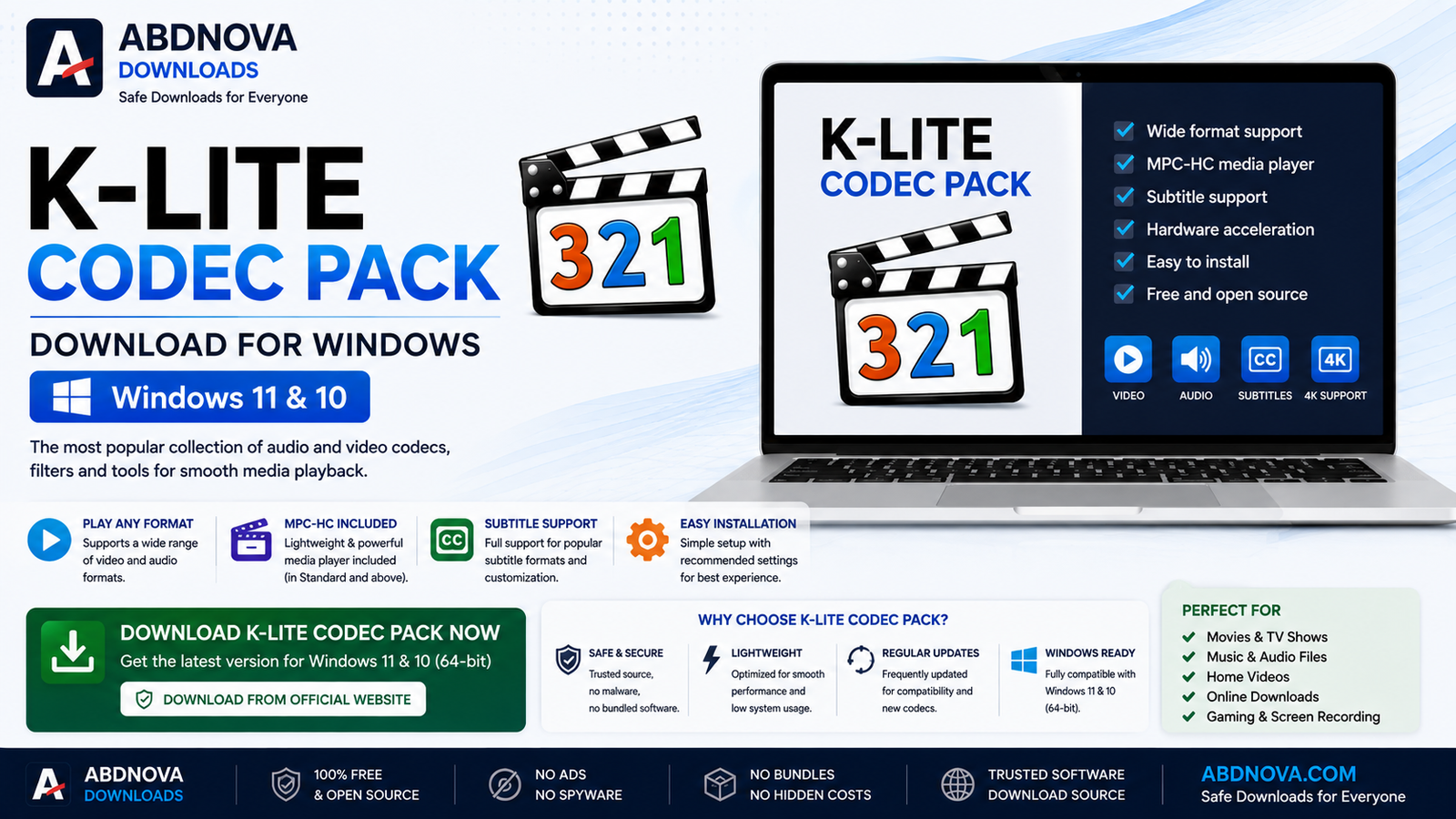
K-Lite Codec Pack Download for Windows adds a collection of audio and video codecs, filters, and playback tools to Windows 11 and Windows 10. It can help when a media file has no sound, uses an unsupported format, or does not play correctly with your preferred Windows media software.
K-Lite Codec Pack Download for Windows – Overview
| Software | K-Lite Codec Pack |
| Platform | Windows |
| Compatible OS | Windows 11 & Windows 10 |
| Category | Video & Audio / Codecs |
| License | Freeware |
| Editions | Basic, Standard, Full & Mega |
| Recommended For Most Users | Standard |
| Best For | Multimedia playback and codec support |
What Is K-Lite Codec Pack?
K-Lite Codec Pack is a collection of DirectShow filters, codecs, and related tools designed for multimedia playback on Windows. Instead of installing individual codecs separately, it provides commonly needed components in one package.
Depending on the edition, K-Lite may include audio and video codecs, DirectShow filters, Media Foundation components, MPC-HC, media-information tools, subtitle support, hardware acceleration, and codec configuration utilities.
K-Lite Codec Pack Main Interface, MPC-HC and Features

Wide Media Format Support
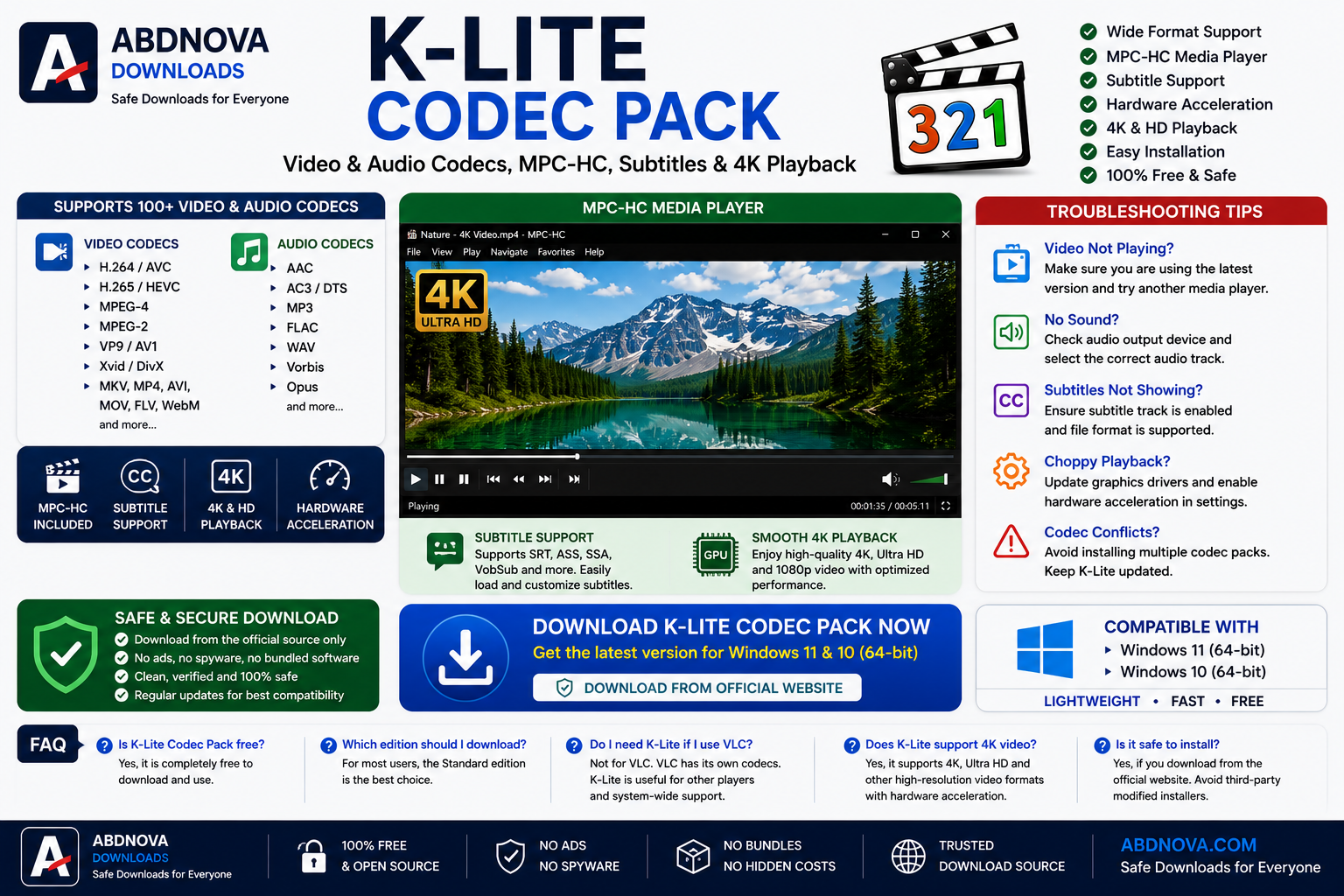
Depending on the installed components and configuration, K-Lite can provide playback support for formats and codecs such as H.264/AVC, H.265/HEVC, MPEG-4, VP9, AV1, AAC, AC3, FLAC, MP3, MKV, MP4, AVI, and WebM.
MPC-HC Media Player
Several K-Lite editions include Media Player Classic Home Cinema (MPC-HC), a lightweight Windows media player with subtitle support, full-screen playback, audio-track selection, playback-speed controls, renderer options, and hardware-accelerated decoding.
Hardware-Accelerated Video Playback
Supported hardware acceleration can reduce CPU usage during video playback. This can be particularly useful for high-resolution content such as 1080p and 4K video, although performance depends on your GPU, drivers, codec, and configuration.
K-Lite Video & Audio Codecs, MPC-HC and Subtitle Support
Subtitle Support
K-Lite provides subtitle support through compatible filters and players. Common subtitle formats can include SRT, ASS, SSA, and VobSub. Subtitle appearance, synchronization, and language options can be adjusted through supported components.
K-Lite Codec Pack Editions
- Basic: Essential components for users who already have a media player and mainly need additional codec support.
- Standard: A practical choice for most Windows users and includes additional components such as MPC-HC.
- Full: Adds extra filters and tools for users who work with a wider range of multimedia formats.
- Mega: The most comprehensive K-Lite package, intended for users who specifically need its additional components.
Most regular users do not need the largest package. The Standard edition is generally the most practical starting point.
How to Install K-Lite Codec Pack on Windows

- Visit the legitimate K-Lite Codec Pack download source.
- Choose the edition you need. Standard is suitable for most users.
- Download and open the installer.
- If Windows displays a security prompt, verify the installer source before continuing.
- Choose an installation mode. Beginners can normally keep the recommended settings.
- Select the preferred media-player options when available.
- Keep the default decoder settings unless you have a specific reason to change them.
- Choose the appropriate audio configuration for your speakers or headphones.
- Review the selected options and complete installation.
- Open your media player and test the previously unsupported media file.
K-Lite Codec Pack vs VLC Media Player
K-Lite Codec Pack and VLC Media Player both relate to multimedia playback, but they serve different purposes. K-Lite adds codecs, filters, and related components to Windows, while VLC is a standalone media player that includes its own decoding components.
If you simply need an all-in-one player, VLC may already provide what you need. K-Lite is more useful when you want broader Windows-level codec and filter support, MPC-HC, or more detailed codec configuration.
Related Guide: Read our VLC Media Player Download for Windows guide.
K-Lite Codec Pack System Requirements
- Operating System: Windows 11 or Windows 10
- Processor: Compatible Intel or AMD processor
- RAM: 2 GB or more recommended
- Storage: Varies by package edition
- Internet: Required for download and updates
- Graphics: Suitable GPU and updated drivers are recommended for smooth HD or 4K playback
Common K-Lite Codec Pack Problems and Solutions
Video Still Won’t Play
Try another known-good media file first. If only one file fails, it may be corrupted or incomplete. You can also update K-Lite to the current version.
Video Plays but There Is No Sound
Check Windows volume, media-player volume, the selected audio track, the output device, and codec audio configuration. Make sure the correct speakers or headphones are selected in Windows.
Video Playback Is Choppy
Update your graphics driver and use suitable hardware acceleration when supported. High-resolution video can require more capable hardware.
Subtitles Are Not Showing
Confirm that the subtitle track is enabled, the subtitle format is supported, external subtitle files are named correctly, and subtitle rendering has not been disabled.
Codec Conflict
Installing multiple unrelated codec packs can sometimes create playback conflicts. If problems begin after changing codec settings, restore recommended settings or reinstall K-Lite cleanly.
How to Update K-Lite Codec Pack
- Get the current installer from the legitimate download source.
- Close active media players.
- Run the new installer.
- Follow the update instructions.
- Restart affected applications if necessary.
Related Multimedia Guides
If you need a standalone media player rather than Windows-level codec support, see our VLC Media Player Download for Windows guide.
For converting and compressing video files, see our HandBrake Download for Windows guide.
Is K-Lite Codec Pack Free?
Yes. K-Lite Codec Pack is available as freeware, so you do not need a subscription simply to install and use the standard codec package.
Is K-Lite Codec Pack Safe?
K-Lite Codec Pack has been used by Windows users for many years, but the installer source matters. Use the legitimate distribution source, avoid modified or repacked installers, keep Windows security enabled, review setup options, and keep the codec pack updated.
K-Lite Codec Pack FAQ
Is K-Lite Codec Pack free?
Yes. K-Lite Codec Pack is available as freeware.
Does K-Lite Codec Pack work on Windows 11?
Current versions support modern Windows systems including Windows 11. Check the current download information for exact compatibility.
Which K-Lite Codec Pack should I download?
For most users, the Standard edition provides a practical combination of codecs, filters, and playback tools.
Do I need K-Lite Codec Pack if I use VLC?
Usually not for VLC itself because VLC includes its own multimedia decoding components. K-Lite is more relevant when other Windows applications need codec or filter support.
Does K-Lite include a media player?
Selected editions include MPC-HC. Package contents can change between releases, so check the current edition details before downloading.
Can K-Lite play MKV files?
With the appropriate included components and media player, K-Lite supports MKV playback.
Does K-Lite support 4K video?
Supported codecs and compatible hardware can handle 4K video, but performance depends on your computer, GPU, drivers, video codec, and configuration.
Final Thoughts
K-Lite Codec Pack is useful for Windows users who need additional multimedia codecs, filters, MPC-HC, subtitle support, hardware acceleration, and configurable playback components. For most users, the Standard edition provides a good balance between functionality and simplicity.
If you are looking for K-Lite Codec Pack Download for Windows, choose the edition that matches your needs rather than automatically installing the largest package.
Ready to download K-Lite Codec Pack?
Windows 11 & 10 • Freeware • Codec & Multimedia Pack
ABDNOVA does not host the K-Lite Codec Pack installer. The button opens the legitimate K-Lite Codec Pack download source.


