


Postman Download for Windows
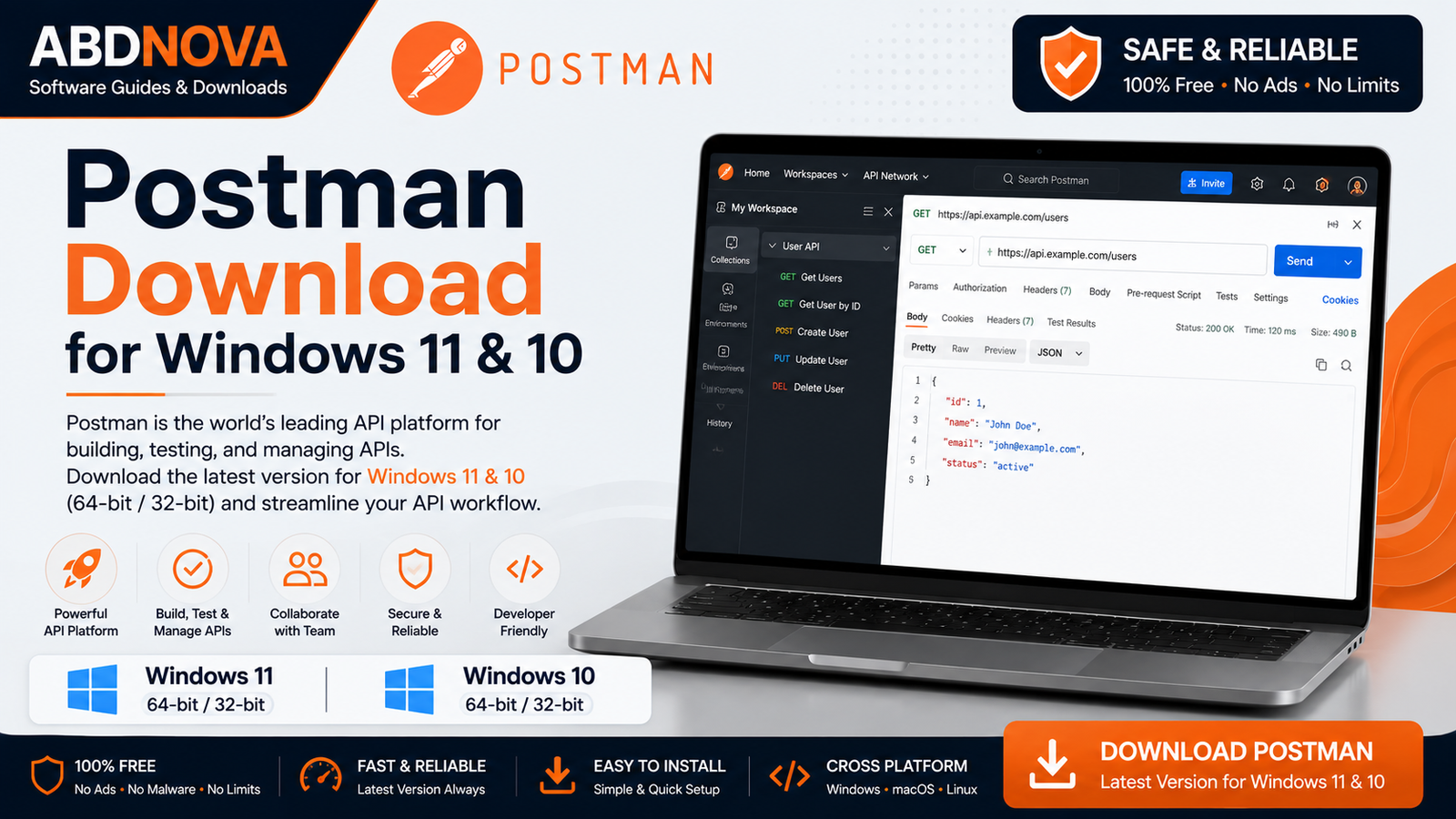
Postman Download for Windows gives developers and testers a visual platform for creating, sending, testing, documenting, and managing API requests. This guide covers Postman installation, REST API testing, HTTP requests, collections, environments, authentication, and common troubleshooting.
Postman Download for Windows – Overview
| Software | Postman |
| Developer | Postman, Inc. |
| Category | Developer Tools / API Testing |
| Platform | Windows |
| Best For | API development and testing |
| Account | Some features may require sign-in |
| Internet | Required for cloud and collaboration features |
| Plans | Free and paid options |
What Is Postman?
Postman is an API platform used by developers, testers, and software teams. Instead of writing separate code whenever you need to test an API endpoint, you can enter a URL, choose an HTTP method, configure headers or authentication, add request data, and inspect the response from a graphical interface.
Postman Main Interface and API Request Features

Send HTTP Requests
Postman supports common HTTP request methods including GET, POST, PUT, PATCH, DELETE, HEAD, and OPTIONS. Select the method, enter the endpoint, configure the request, and click Send.
API Response Viewer
After sending a request, Postman can display the response body, HTTP status code, headers, cookies, response time, and response size.
Request Body and Headers
POST, PUT, and PATCH requests often send data to a server. Postman supports common body formats such as JSON, text, form data, URL-encoded data, and binary data. Headers can also be added as key-value pairs.
Postman REST API Testing, Authentication, Collections and Environments

REST API Testing
Postman is widely used to test REST APIs. You can send a request to an endpoint and inspect the returned data and HTTP status to help determine whether an issue is in the API or in the application consuming it.
API Authentication
Depending on the API, Postman can work with API keys, Bearer tokens, Basic authentication, OAuth-related workflows, and other supported authentication methods.
Security: Never publish API keys or private tokens in screenshots, shared examples, or public repositories. Use appropriate environment and secret-management practices.
Postman Collections
Collections organize related API requests so they can be saved and reused. Large collections can also use folders to separate users, products, orders, or other groups of endpoints.
Environments and Variables
Variables help avoid manually changing values across requests. For example:
{{base_url}}/usersThe value of base_url can change between development, testing, staging, and production environments.
Scripts and Tests
Postman supports scripting for API testing and workflow automation. Tests can verify status codes, response data, headers, response structure, and expected values.
How to Install Postman on Windows + Send Your First API Request

- Visit the official Postman download page.
- Choose the Windows desktop application and appropriate build when multiple architecture options are available.
- Download and open the installer.
- Verify that the installer came from the official Postman source.
- Complete installation and launch Postman.
- Sign in when required for the features you want to use.
Send Your First API Request
- Create a new HTTP request.
- Select GET.
- Enter an API endpoint.
- Click Send.
- Review the status, response body, headers, and response time.
Common HTTP Status Codes
| 200 | Request succeeded |
| 201 | Resource created successfully |
| 204 | Successful request with no response body |
| 400 | Bad request |
| 401 | Authentication required or invalid |
| 403 | Access forbidden |
| 404 | Resource not found |
| 500 | Server-side error |
Postman Desktop App vs Web App
The desktop application is convenient for regular API testing on Windows and local development workflows. The web version provides browser-based access, although some workflows can require additional desktop components or permissions for local or restricted network resources.
Postman vs cURL
Postman provides a graphical interface, collections, environments, testing, and project-management features. cURL is a command-line tool that is excellent for quick requests, scripts, servers, and automation. Many developers use both.
Related Developer Tools
If you work with APIs and software development, you may also need other developer tools. See our Visual Studio Code Download for Windows guide for a popular code editor.
You can also read our Git Download for Windows guide for version control and source-code management.
For a visual Git and GitHub workflow, see our GitHub Desktop Download for Windows guide.
Postman System Requirements
Exact requirements can change between releases. Check the official Postman documentation for current Windows compatibility, processor architecture, memory, storage, and other requirements before installation.
Common Postman Problems and Solutions
Postman Won’t Open
Close Postman completely, restart Windows, check for an updated Postman version, review Windows Security, and reinstall Postman from the official source if necessary.
API Returns 401 Unauthorized
Check the API key, Bearer token, username/password, token expiration, authorization header, and environment variables. Confirm the required authentication method in the API documentation.
API Returns 404 Not Found
Check the URL, API version, path, resource ID, selected environment, and spelling.
API Returns 500 Error
A 500 response generally indicates a server-side issue, but also verify the request body, headers, parameters, and authentication before troubleshooting the server.
Environment Variable Isn’t Working
Confirm the correct environment is selected, the variable name matches exactly, the value is correct, and the request references the variable properly.
SSL Certificate Error
For production APIs, do not simply ignore certificate errors. Verify that the server’s SSL/TLS certificate is correctly configured and trusted.
Is Postman Free?
Postman offers free access for many common API-development workflows and also offers paid plans with additional collaboration, governance, usage, and organizational capabilities. Plan features and limits can change over time.
Is Postman Safe?
Postman is legitimate developer software. Download it from the official website, keep it updated, protect API keys and authentication tokens, avoid exposing secrets in screenshots, and verify endpoints before sending sensitive information.
Postman FAQ
What is Postman used for?
Postman is used to create, send, test, debug, organize, and document API requests.
Can Postman test REST APIs?
Yes. REST API development and testing is one of Postman’s most common uses.
Can I send POST requests with Postman?
Yes. Postman supports GET, POST, PUT, PATCH, DELETE, and other HTTP request methods.
Does Postman support API authentication?
Yes. It supports multiple authentication workflows including API keys, Bearer tokens, Basic authentication, and OAuth-related workflows.
What is a Postman Collection?
A collection is an organized group of API requests that can be saved and reused.
Can I use Postman without coding?
Yes. Basic API requests can be created through the graphical interface, while advanced testing and scripting may require programming knowledge.
Final Thoughts
Postman combines API requests, response inspection, collections, environments, authentication, testing, scripting, and documentation in one development platform. It is useful for both beginners learning APIs and developers working with more advanced API workflows.
If you are looking for Postman Download for Windows, use the official Postman source and protect API credentials whenever you test or share API projects.
Ready to download Postman?
Windows • API Development & Testing • Official Download
ABDNOVA does not host the Postman installer. The button opens the official Postman download page.


